
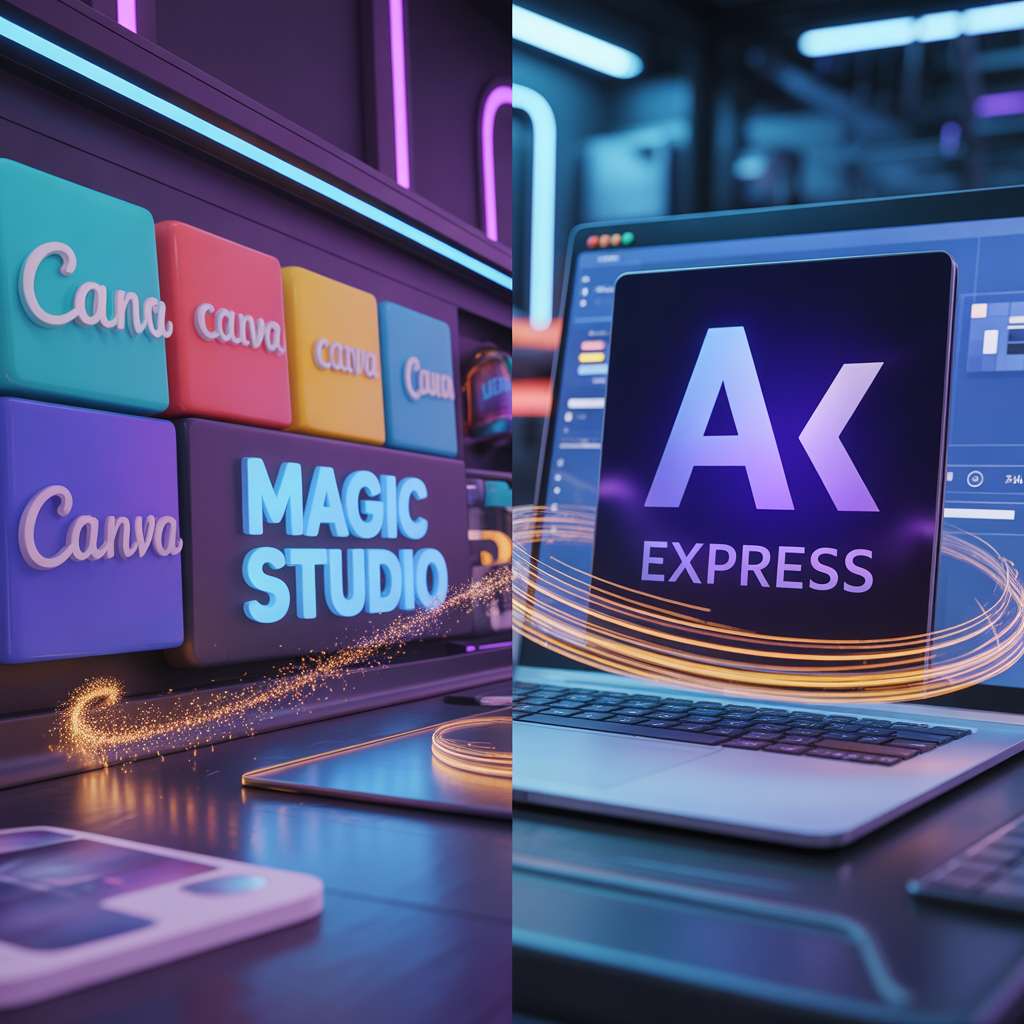
In this 2026 comparison of Canva vs Adobe Express, we explore which AI design tool is better for creators, the question is no longer “Can I design?” but “Which AI will design for me better?” For years, Canva was the undisputed king of easy design. However, with the integration of Adobe Firefly, Adobe Express has transformed from a simple alternative into a powerhouse.
If you are an Etsy seller, a social media manager, or a digital creator, choosing between these two is critical for your workflow. Let’s dive deep into the 2026 versions of these giants.
1. Magic Studio vs. Adobe Firefly: The Battle of AI Design Engines
The heart of the battle lies in their generative AI engines.
- Canva Magic Studio: Canva’s strength is its simplicity. In 2026, “Magic Media” allows you to generate videos and images that look more realistic than ever. Its “Magic Switch” feature is a lifesaver, allowing you to turn a T-shirt design into a social media video with one click.
- Adobe Express (Powered by Firefly): This is where Adobe wins on quality. Since Firefly is trained on Adobe Stock images, the output is “commercially safe” and significantly more professional. If you need high-end textures and sophisticated lighting for your Etsy listings, Adobe Express has the upper hand.
You can explore more about Adobe’s commercial safety standards on the official Adobe Firefly transparency page
2. Ease of Use: Which One is Faster Canva vs Adobe Express ?
Time is money, especially when you’re managing an AI comparison hub or a digital shop.
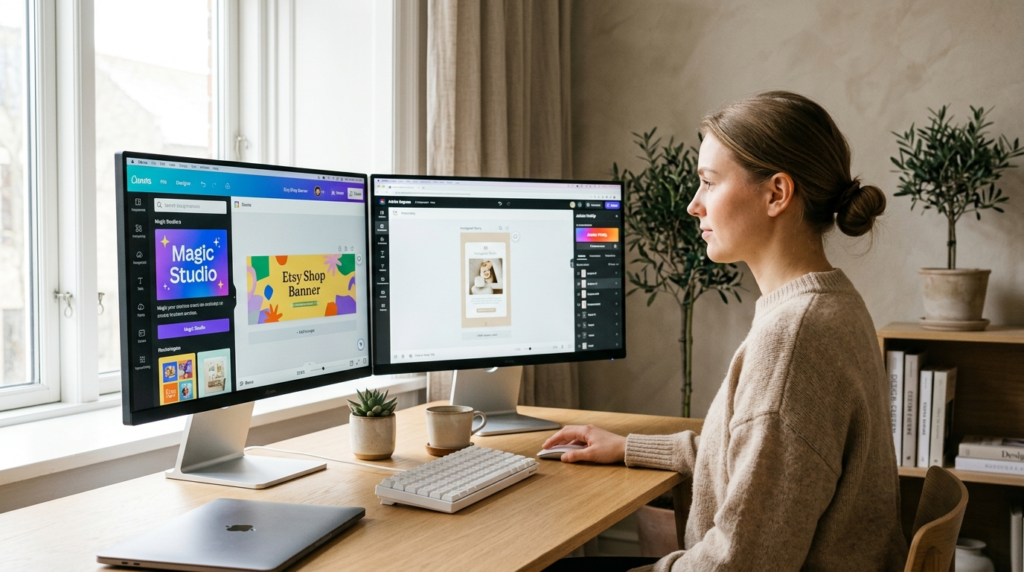
- Canva: Still the champion of user interface. Even someone with zero design experience can create a brand kit in minutes. The drag-and-drop experience is flawless.
- Adobe Express: While it has improved drastically, it still feels a bit like “Photoshop Lite.” It offers more control (like layers and advanced font manipulation), but it has a slightly steeper learning curve than Canva.
Many users are searching for a clear Canva vs Adobe Express 2026 guide because both platforms update their AI engines almost every month.
If you want to create videos, see our Sora 2 guide
3. Comparison Table: At a Glance (2026 Edition)
To help you decide quickly, here is a detailed Canva vs Adobe Express 2026 comparison table showing the key differences in AI capabilities
| Feature | Canva (Magic Studio) | Adobe Express (Firefly) |
| AI Image Quality | Creative & Vibrant | Realistic & Professional |
| Video Editing | Excellent for Social Media | Great for Short Clips |
| Asset Library | Massive (100M+ assets) | Premium (Adobe Stock integration) |
| Best For | Fast content creation | High-quality brand designs |
| Etsy Integration | Very Strong | Improving |
4. Pricing: Which Offers More Value?
For a creator on a budget, every dollar counts.
- Canva Pro: Offers a flat monthly fee that covers everything from premium stock photos to background removers.
- Adobe Express: Often comes bundled with Creative Cloud subscriptions. If you already use Photoshop, Adobe Express is essentially free, making it an incredible value.
When we look at the value for money in this Canva vs Adobe Express 2026 showdown, both tools offer competitive subscription models for professional creators.
5. The Verdict: Which One Should You Choose in 2026?
Choose Canva if: You need to produce a high volume of social media content quickly and want the most intuitive AI tools. Choose Adobe Express if: You care deeply about image resolution, commercial safety, and need that “Adobe-level” polish for your professional projects.
If you want to see how AI handles images, check out our Midjourney vs DALL-E 3 guide.