
You know that moment when ChatGPT gives you a reply that’s technically correct… but feels like it was written by a polite robot with zero personality? So what are the Free ChatGPT Alternatives?
Yeah, that.
If you’re creating content, chatting, or just trying to get something that sounds human, that tone gets old fast. And once you notice it, you can’t unsee it.
Good news: you’re not stuck with it. There are some seriously solid free alternatives that feel way more natural—and in some cases, even smarter depending on what you’re doing.
TL;DR / Quick Answer
If you want the most human-like, natural responses right now, go with Claude—it’s the closest thing to talking to an actual person.
If you want a balance of creativity + up-to-date info, Perplexity AI is your best free pick.
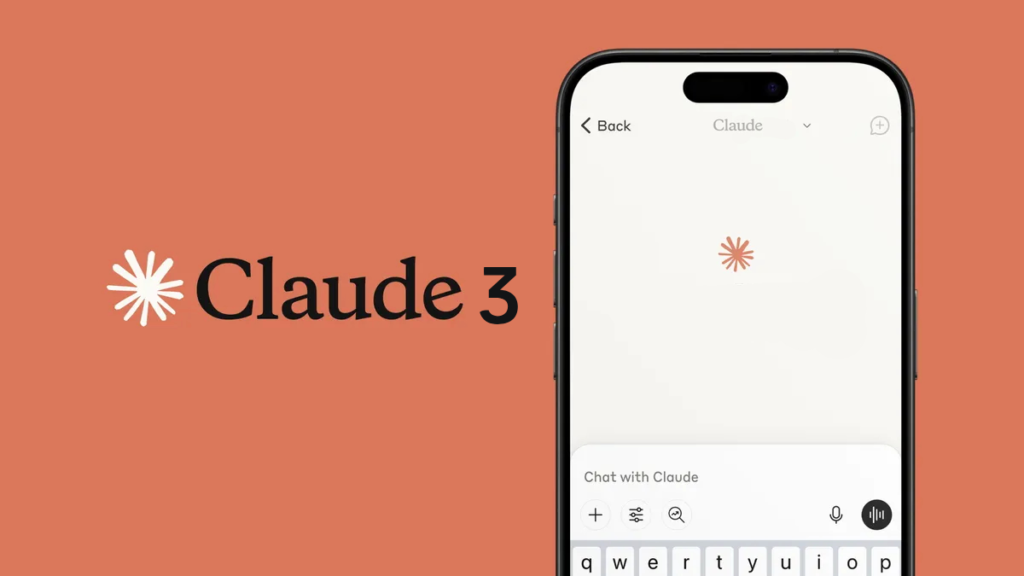
Claude 3 Sonnet – Free ChatGPT Alternatives
When I tested this, it was the first one that didn’t make me feel like I was reading a template. The tone adapts really well—casual when you want it, sharp when you need it.
Pros:
- Sounds the most “human” out of all I tested
- Great at understanding nuance and tone shifts
- Handles long, thoughtful responses without rambling
Cons:
- Free usage limits can hit fast
- Not always the best for real-time or trending info
Best For: Writing, storytelling, or anything where tone actually matters
Please read GPT-5 vs. Claude 4: Which AI Chatbot is Smarter in 2026?
Perplexity AI
This one feels less like chatting with a bot and more like talking to someone who actually did the research for you. It pulls fresh info and explains it in a surprisingly natural way.
Pros:
- Real-time web results (huge advantage)
- Answers feel grounded, not generic
- Clean, no-BS interface
Cons:
- Can feel a bit “factual” over conversational
- Creativity isn’t its strongest side
Best For: Research, fact-checking, and up-to-date answers
Pi by Inflection AI
Honestly, this one almost feels too human. When I used it, it leaned heavily into emotional, empathetic responses—like it’s trying to be your supportive friend.
Pros:
- Extremely natural, conversational tone
- Great at back-and-forth dialogue
- Feels personal and engaging
Cons:
- Not ideal for technical or complex tasks
- Sometimes overly “soft” or emotional
Best For: Casual chats, brainstorming, or when you want a more human vibe

Microsoft Copilot
This one surprised me. It’s more polished than older versions and doesn’t feel as stiff anymore, especially when you push it to be casual.
Pros:
- Solid all-around performance
- Built-in access to web info
- Integrates well with Microsoft tools
Cons:
- Can still slip into corporate-sounding tone
- Not as expressive as Claude or Pi
Best For: Productivity, everyday questions, and work-related tasks
Google Gemini
Gemini feels like it’s trying to balance smart + natural, and it mostly works. When I tested it, the responses were clean, readable, but sometimes a bit “safe.”
Pros:
- Good balance of clarity and tone
- Strong integration with Google ecosystem
- Handles multimodal tasks well
Cons:
- Plays it safe—less personality
- Occasionally feels slightly scripted
Best For: General use, especially if you’re deep in Google apps
HuggingChat by Hugging Face
This one depends heavily on the model you pick. When it’s good, it’s really good—and surprisingly natural.
Pros:
- Open-source and flexible
- Multiple models to choose from
- No heavy restrictions
Cons:
- Inconsistent quality
- UI and experience feel less polished
Best For: Tinkerers, developers, and anyone who likes experimenting
Character.ai
This is where things get fun. When I tried it, the responses didn’t just feel human—they felt like actual personalities.
Pros:
- Extremely engaging, personality-driven chats
- Tons of custom characters
- Great for creative interaction
Cons:
- Not reliable for factual info
- Can go off-track or get weird
Best For: Entertainment, roleplay, and creative conversations
| Tool Name | Robot-Vibe Level | Best Feature | Free Usage Limit |
|---|---|---|---|
| Claude 3 Sonnet | Low | Most natural, human-like writing tone | Limited daily messages (resets) |
| Perplexity AI | Low | Real-time web answers with sources | Generous free tier, Pro optional |
| Pi (Inflection AI) | Low | Highly conversational, emotional tone | Mostly free, occasional limits |
| Microsoft Copilot | Medium | Web integration + productivity tools | Free with Microsoft account |
| Google Gemini | Medium | Google ecosystem integration | Free tier with some feature limits |
| HuggingChat | Medium | Open-source model flexibility | Free (varies by model) |
| Character.ai | Low | Personality-driven conversations | Free with usage limits |
FAQ
1. Are free AI writing tools actually good enough?
Yeah—way better than they used to be. For most things like blog posts, captions, emails, or brainstorming, free tools are more than enough. You only really feel the limits when you need heavy usage or advanced features.
2. Which AI sounds the most human right now?
From everything I’ve tested, Claude and Pi are leading here. Claude feels like a smart writer, while Pi feels like a real conversation—depends on what vibe you want.
3. Do these tools replace human writers?
Not really. They’re fast and helpful, but they still need direction, editing, and a bit of human taste. Think of them as a co-writer, not a replacement.
Final Thoughts
If you’re tired of that stiff, robotic tone, you’ve got options now—and good ones.
Pick one tool from this list and actually try it today. You’ll immediately feel the difference once you find the one that matches your style.