
The era of spending 10 hours a day dragging and dropping clips in Premiere Pro is over. If you are running a faceless YouTube channel in 2026, AI video editing isn’t just a luxury; it is a necessity for survival.
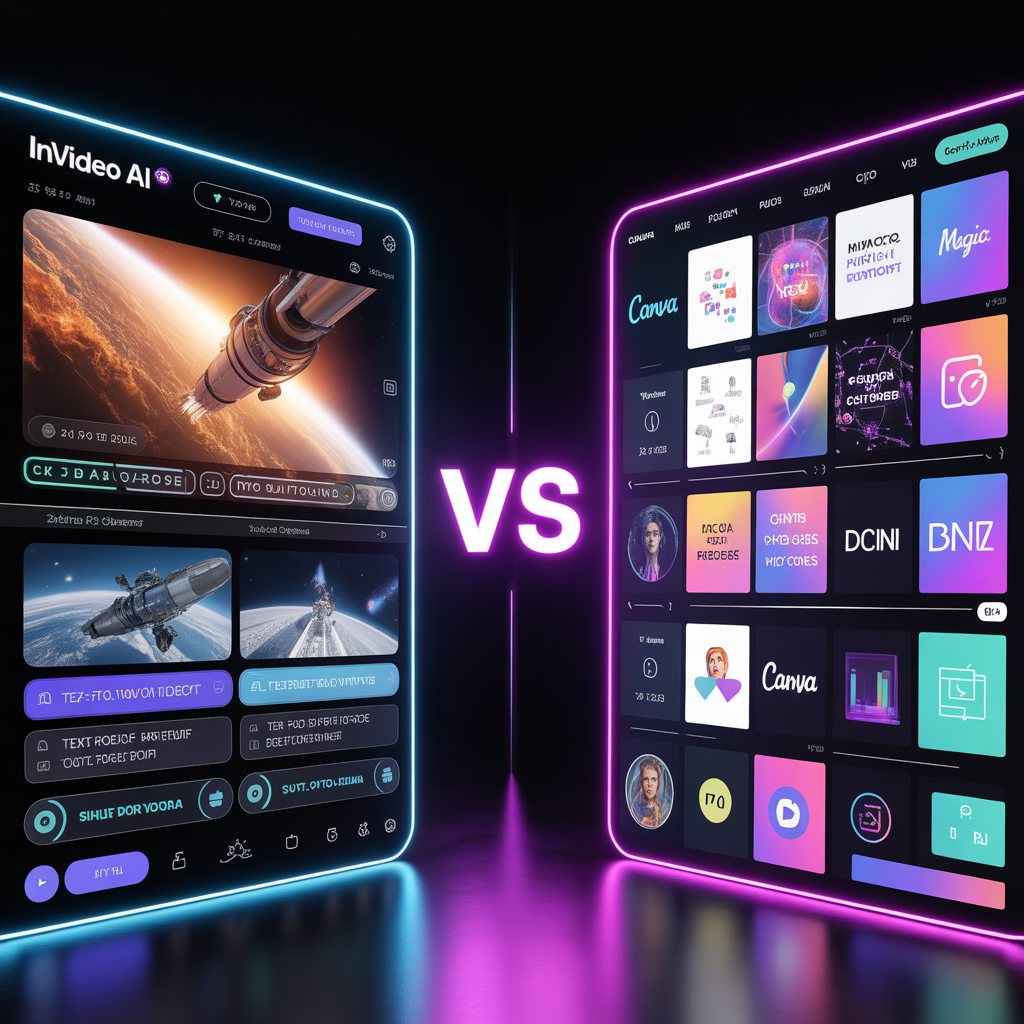
However, with so many tools flooding the market, choosing the right software is the difference between a seamless 1-hour workflow and a 5-hour frustrating headache. Two of the absolute biggest names right now are Invideo and Canva. But when it comes to the ultimate showdown of Invideo AI vs Canva Magic Video, which one actually delivers?
I tested both so you don’t have to. Let’s dive deep into the workflow, the quality, and figure out which tool is going to help you automate your YouTube channel the fastest.
How to Build a $5,000/Month Faceless YouTube Channel with Ai Sora 2 and ElevenLabs
Invideo AI: The YouTube Automation Specialist
I’ve noticed that most people still think of Invideo as a basic editor. But here is the 2026 expert truth: Ever since their deep integration with Sora 2 and Google’s VEO models, Invideo has transformed into a cinematic powerhouse. It doesn’t just ‘find’ clips anymore; it can now generate unique, physics-accurate B-roll that didn’t exist 5 minutes ago. This is why it’s currently the king of automation speed.
If there is one word to describe Invideo AI, it is: Frictionless.
Invideo AI was built from the ground up specifically to turn text into full-blown video content. It isn’t just a video editor; it is a co-creator. You literally type in a prompt like, “Create a 3-minute video about the history of Bitcoin in a dramatic documentary style,” and the AI takes over.
Within minutes, Invideo AI generates the script, selects highly relevant premium stock footage (from libraries like Storyblocks and iStock), adds background music, and layers on an incredibly human-sounding AI voiceover. It even matches the pacing of the video to the tone of the voice.
If you want to run a faceless channel at high volume, Invideo is a powerhouse. You don’t need to hunt for clips or record audio separately; the heavy lifting is done for you in one interface.
This tool is the powerhouse behind the faceless YouTube channel with AI model we discussed earlier
Canva Magic Video: The All-in-One Design Hub
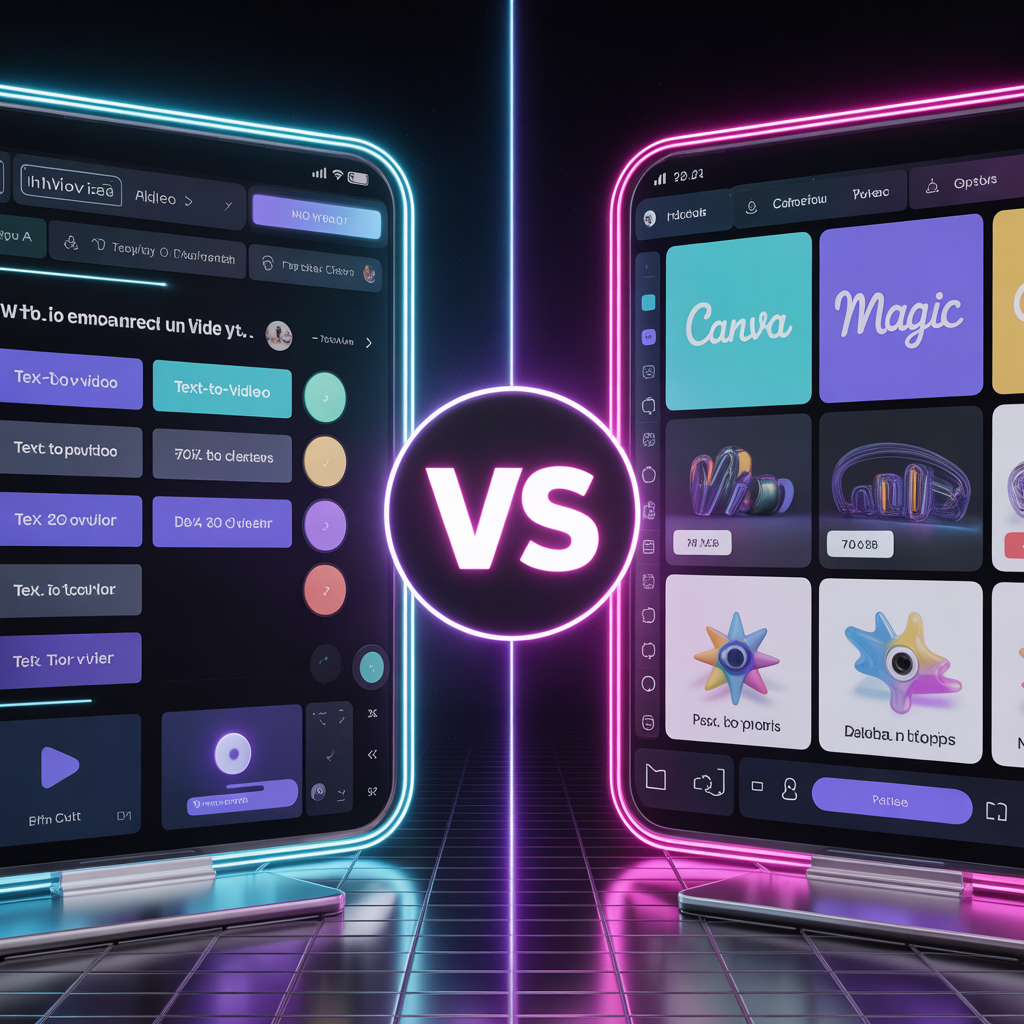
On the other side of the ring in the Invideo AI vs Canva Magic Video debate, we have the undisputed king of general design. Canva Magic Video (part of the Magic Studio suite) is phenomenal, but it approaches video creation differently.
Canva is all about brand consistency and flexibility. You can generate scenes using AI, but Canva shines when you want to heavily customize your assets. You have access to thousands of custom fonts, animations, and graphic elements.
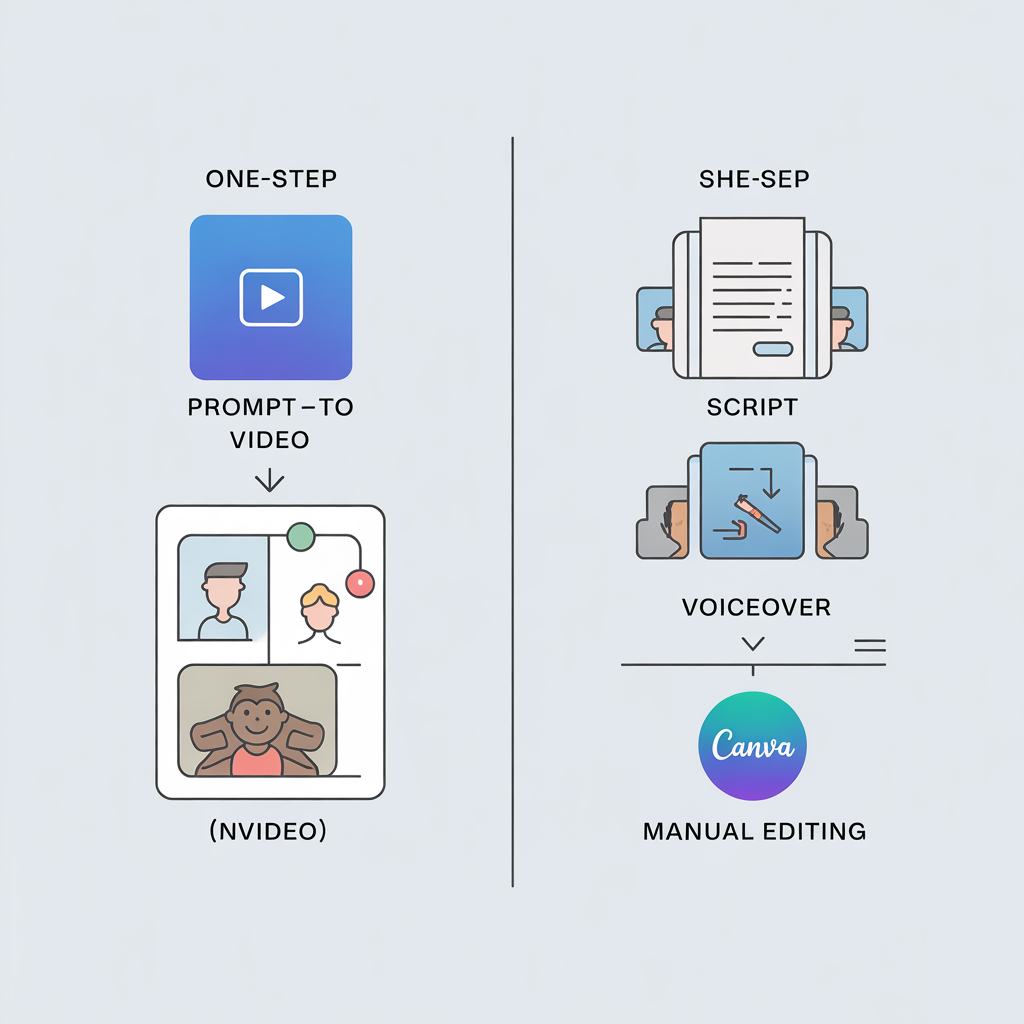
Here is where Canva wins: If you are building a highly stylized channel—like educational whiteboard videos, aesthetic quote reels, or heavily branded vlogs—Canva gives you pixel-perfect control. However, you need to know that Canva requires more manual ‘assembly’. It won’t automatically generate a 10-minute narrated documentary from a single prompt. You have to bring your own script, generate the voiceover elsewhere (like ElevenLabs), and stitch the scenes together.
Key Comparison Criteria
To truly settle the Invideo AI vs Canva Magic Video debate, we need to compare them across four crucial categories for YouTube creators.
1. Ease of Use (Which is truly ‘one-click’?)
If you are a total beginner, listen to this: Invideo AI is as close to “one-click” as you can get in 2026. You act as a director giving instructions to a prompt box. Canva, while very user-friendly, still requires you to be an “editor.” You have to manually adjust timelines, transitions, and audio tracks.
Winner: Invideo AI.
2. Content Quality (Which looks more professional?)
This depends on your style. Invideo’s integration with premium stock footage means your B-roll will look incredibly cinematic and professional, perfect for faceless documentaries or tech news. Canva’s AI video generation is improving, but its real strength is in graphics and text animations, not necessarily cinematic realism.
Winner: Tie (Depends on your niche).
3. Automation Power (The Faceless Workflow)
When evaluating Invideo AI vs Canva Magic Video for pure YouTube automation, speed is everything. Invideo allows you to generate a script, voice, and video in one place. With Canva, you usually need a 3-step workflow: Write script in ChatGPT -> Generate voice in ElevenLabs -> Edit visuals in Canva.
Winner: Invideo AI.
4. Pricing & Value
Canva Pro is incredibly affordable and gives you access to everything (presentations, social media posts, websites, and video). It is the ultimate digital swiss army knife. Invideo AI’s pricing is structured around generated minutes and premium stock media exports. It can get pricier if you are producing daily 15-minute videos, but it saves you the cost of hiring an editor.
Winner: Canva Pro (For overall value).
Quick Feature Comparison
Here is a quick breakdown to help you visualize the Invideo AI vs Canva Magic Video showdown:
| Feature | Invideo AI | Canva Magic Video |
|---|---|---|
| Text-to-Full Video | ✅ Yes (Script, Voice & Clips) | ❌ No (Requires manual assembly) |
| Built-in AI Voiceovers | ✅ Excellent | ❌ Limited/Basic |
| Graphic Design & Custom Text | ❌ Basic | ✅ World-Class |
| Best For | Faceless Docs & Top 10s | Branded Reels & Aesthetics |
Sora vs. Kling AI vs. Runway Gen-3: The 2026 Video AI Showdown
The Final Verdict
So, how do we conclude the battle of Invideo AI vs Canva Magic Video?
Who should choose Invideo AI?
If your goal is pure YouTube automation, and you want to produce highly engaging faceless videos (like finance tips, horror stories, or tech reviews) as fast as possible without touching an editing timeline, Invideo AI is your ultimate tool. It is an editor, scriptwriter, and voice actor rolled into one.
Who should stick with Canva Magic Video?
If you already use Canva for your YouTube thumbnails, and your videos rely heavily on colorful graphics, custom text animations, or talking-head style content where you just need to add AI B-roll, Canva is the perfect fit. It is much more versatile for overall channel branding.
The truth is, many successful creators use both. But if you have to choose one to start your automation journey today, pick the one that matches your workflow and start creating!