
Scaling an Etsy POD shop in 2026 requires a ‘Human-in-the-Loop’ approach, combining AI’s speed with human curation. Success hinges on technical mastery—using AI for 300 DPI upscaling and vector conversion—and leveraging dynamic video mockups via tools like Sora 2. In a marketplace crowded with AI spam, professional-grade quality and strategic SEO remain the ultimate differentiators.
If you had told me five years ago that I would be running a six-figure Etsy empire powered by artificial intelligence, I would have laughed. Today, I am sharing everything in this AI Print on Demand guide 2026. Back then, I was hand-drawing every single design and barely breaking even. But as we navigate today’s competitive e-commerce waters, the landscape has matured dramatically.
When AI art generators first hit the scene, it felt like a gold rush. People were typing basic prompts, slapping the first generation onto a coffee mug, and waiting for the cash to roll in. But the landscape has matured dramatically. As we navigate the highly competitive e-commerce waters today, the “lazy AI” approach no longer works. Buyers are smarter, the Etsy algorithm is stricter, and the bar for quality has never been higher.
If you want to build a sustainable, profitable business this year, you need to evolve. Consider this your definitive AI Print on Demand guide 2026. I’m going to walk you through exactly how to harness today’s cutting-edge AI tools to scale your Etsy shop, outsmart the competition, and build a brand with staying power.
The Evolution: From Single Images to Full Product Lines
In the early days of generative AI, the focus was entirely on single, isolated images. You needed a picture of a cute cat for a t-shirt? You generated a cute cat.
In 2026, AI has moved from simple image generation to comprehensive product line creation. We aren’t just making one-off designs anymore; we are using AI to conceptualize and execute entire cohesive collections.
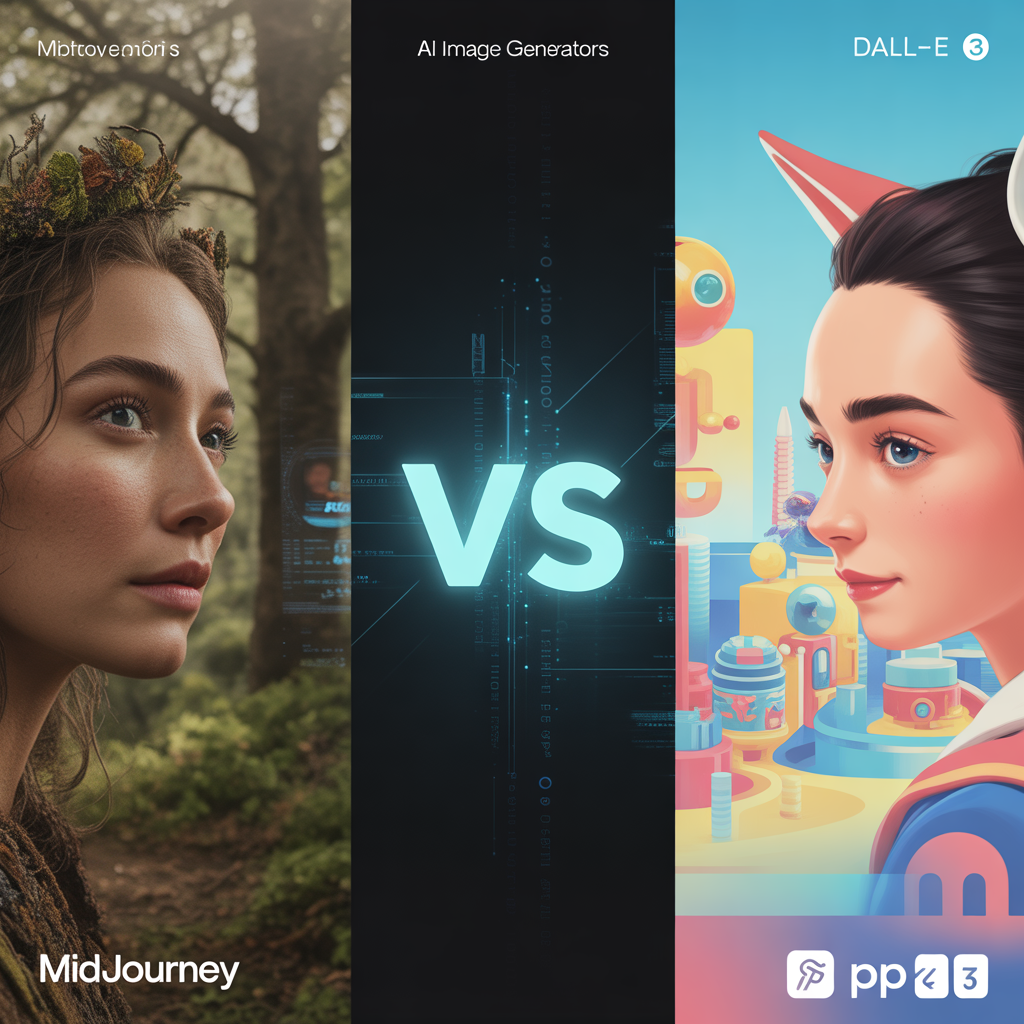
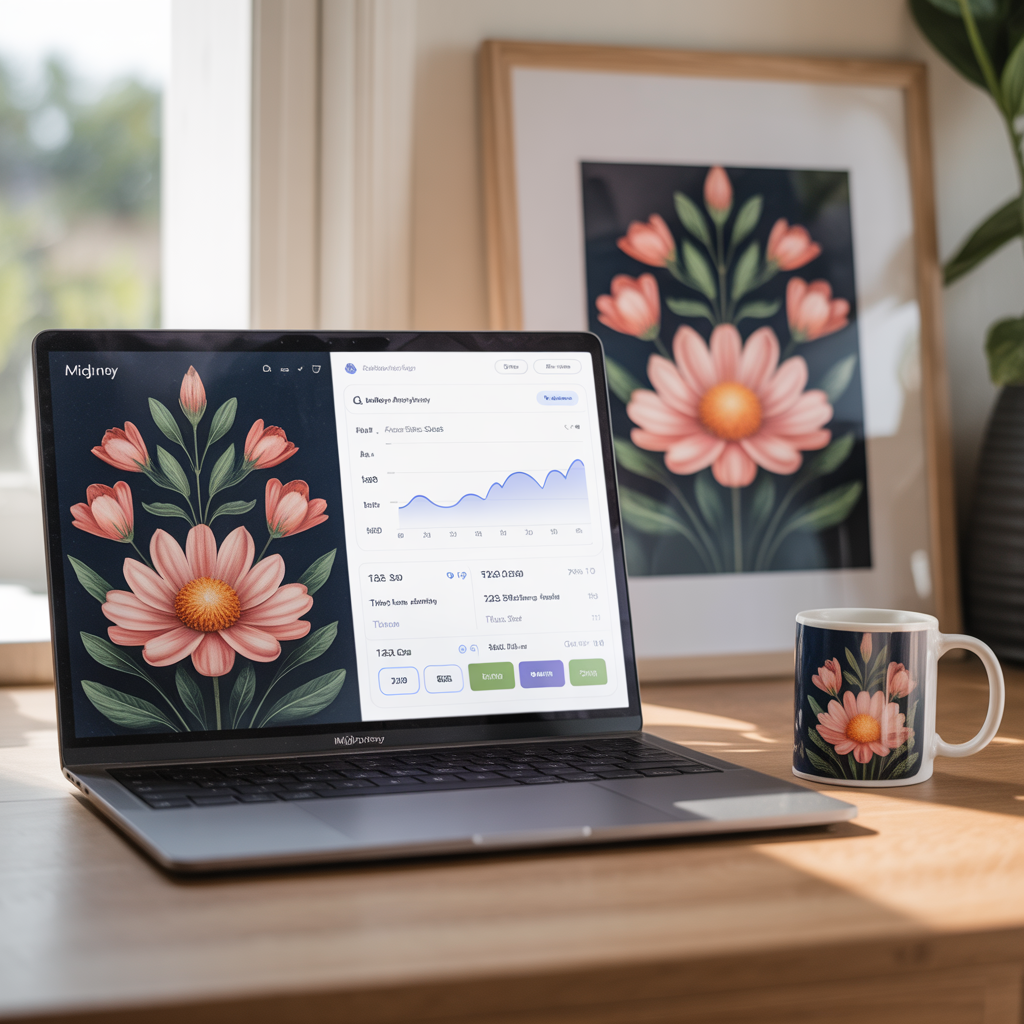
By training models on your specific brand aesthetics (using features like Midjourney’s character and style reference parameters), you can now generate matching repeating patterns for tote bags, coordinated graphics for apparel, and complementary typography-based designs for stationary. You can prompt AI to create a “Spring 2026 Cottagecore Collection” and end up with thirty pieces of unique, stylistically unified art in an afternoon. This allows you to fill your shop with deep, robust categories that encourage buyers to purchase multiple items at once, drastically increasing your Average Order Value (AOV).
Technical Mastery: Prepping Midjourney Art for Print
Having a stunning AI-generated image is only 10% of the battle. The other 90% is making sure it looks incredible when physically printed on a canvas, a t-shirt, or a blanket. Here are the non-negotiable technical steps I use to prep Midjourney creations for print:
1. Upscaling for Flawless Resolution
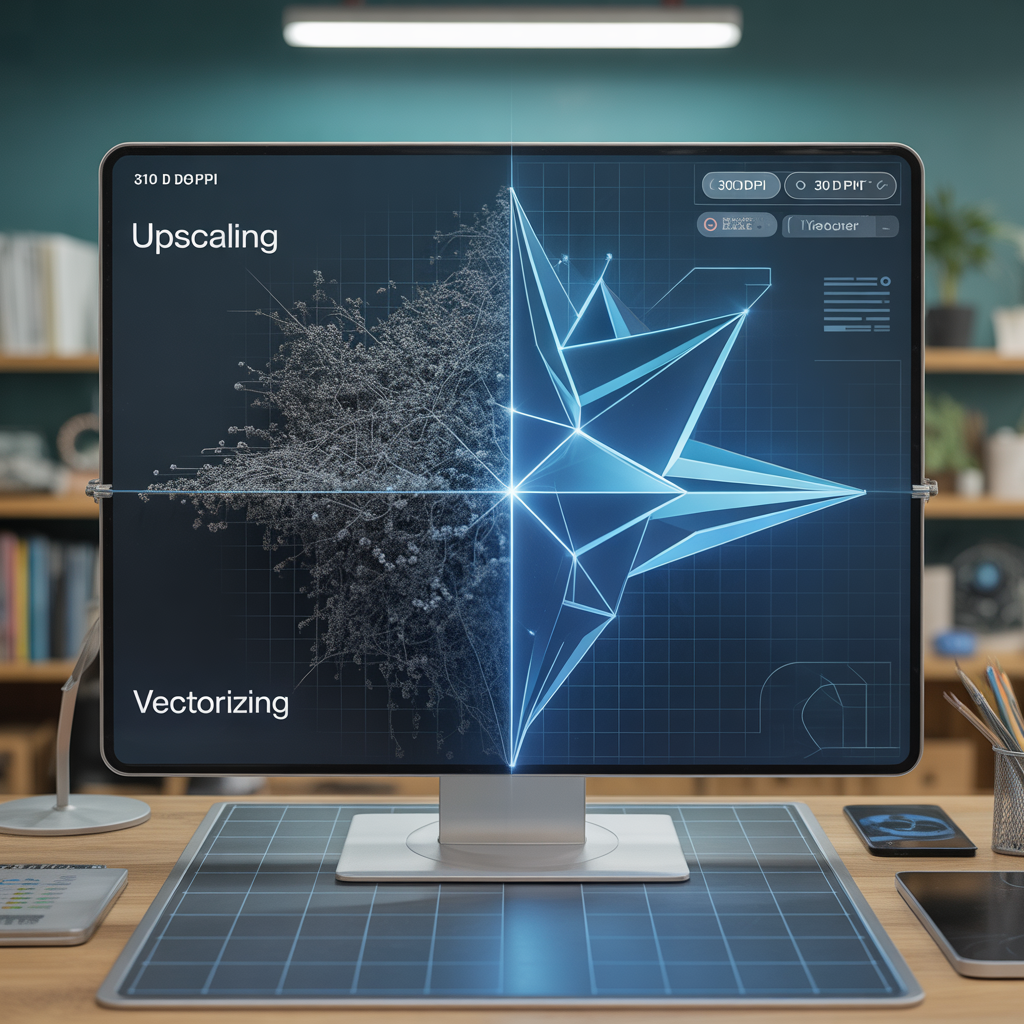
Print providers like Printify and Printful require a minimum of 300 DPI (Dots Per Inch) for high-quality results. Midjourney’s native output is not large enough for a 24×36 inch poster. I run every single design through an AI upscaler (like Topaz Gigapixel AI or Magnific) to enhance the resolution without losing the finer details or introducing pixelation.
2. Perfecting Transparent Backgrounds
Nobody wants a t-shirt design with an awkward white square around it. While AI tools are getting better at generating solid backgrounds, you still need to isolate your subject cleanly. I use advanced AI background removers (like Photoroom or Canva’s Magic Grab) to separate my designs. Pro tip: Always double-check the edges on a dark background to ensure there are no leftover white pixels (haloing) that will ruin a black t-shirt print.
3. Vector Conversion for Scalability
If your design features bold graphics, typography, or flat colors, convert it into a vector. Raster images (JPEGs/PNGs) lose quality when stretched, but vectors (SVGs) can be scaled to the size of a billboard with zero quality loss. Tools like Vectorizer.ai use machine learning to flawlessly trace your Midjourney graphics into crisp, print-ready vectors.
Visual Merchandising: AI Mockups That Sell
Your mockup is your storefront window. If your product photos look like the same flat, sterile templates everyone else is using, buyers will scroll right past. In 2026, high-quality, lifestyle mockups are the secret to a high click-through rate.
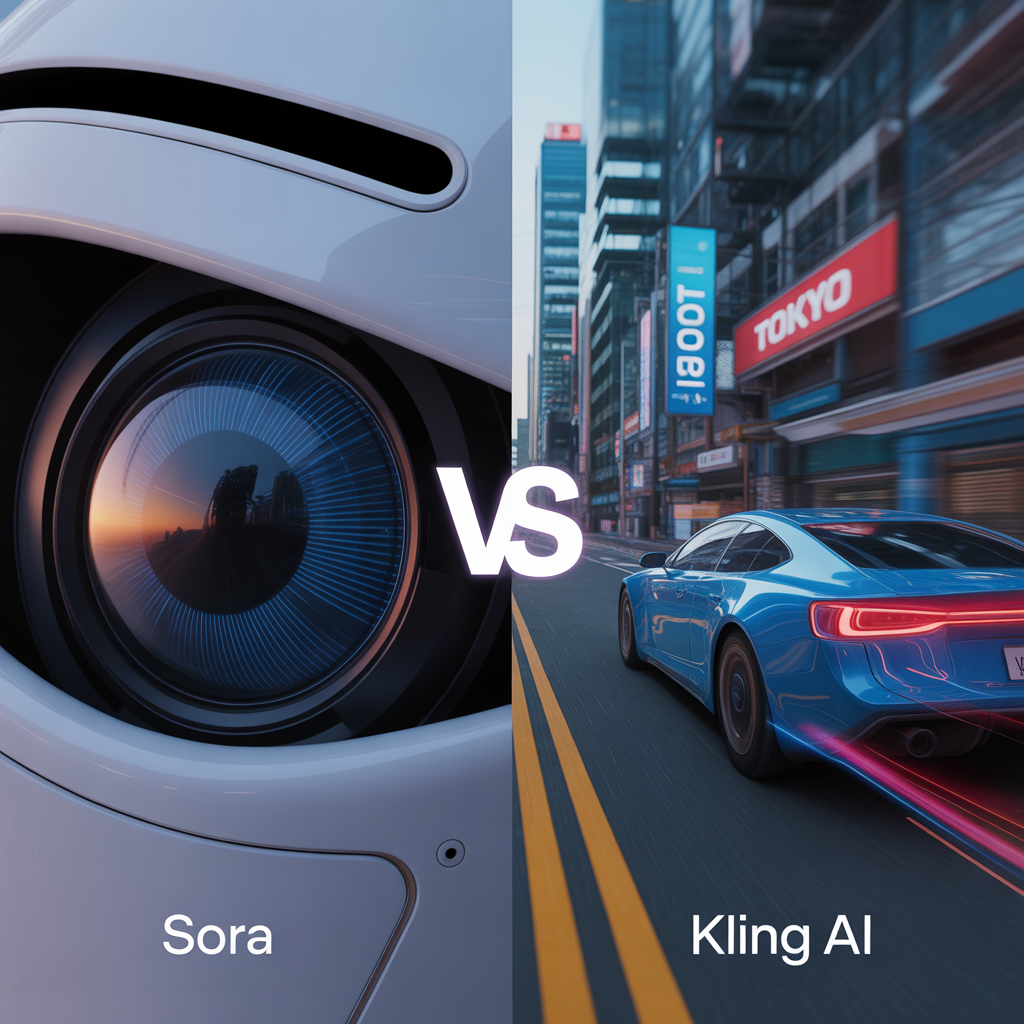
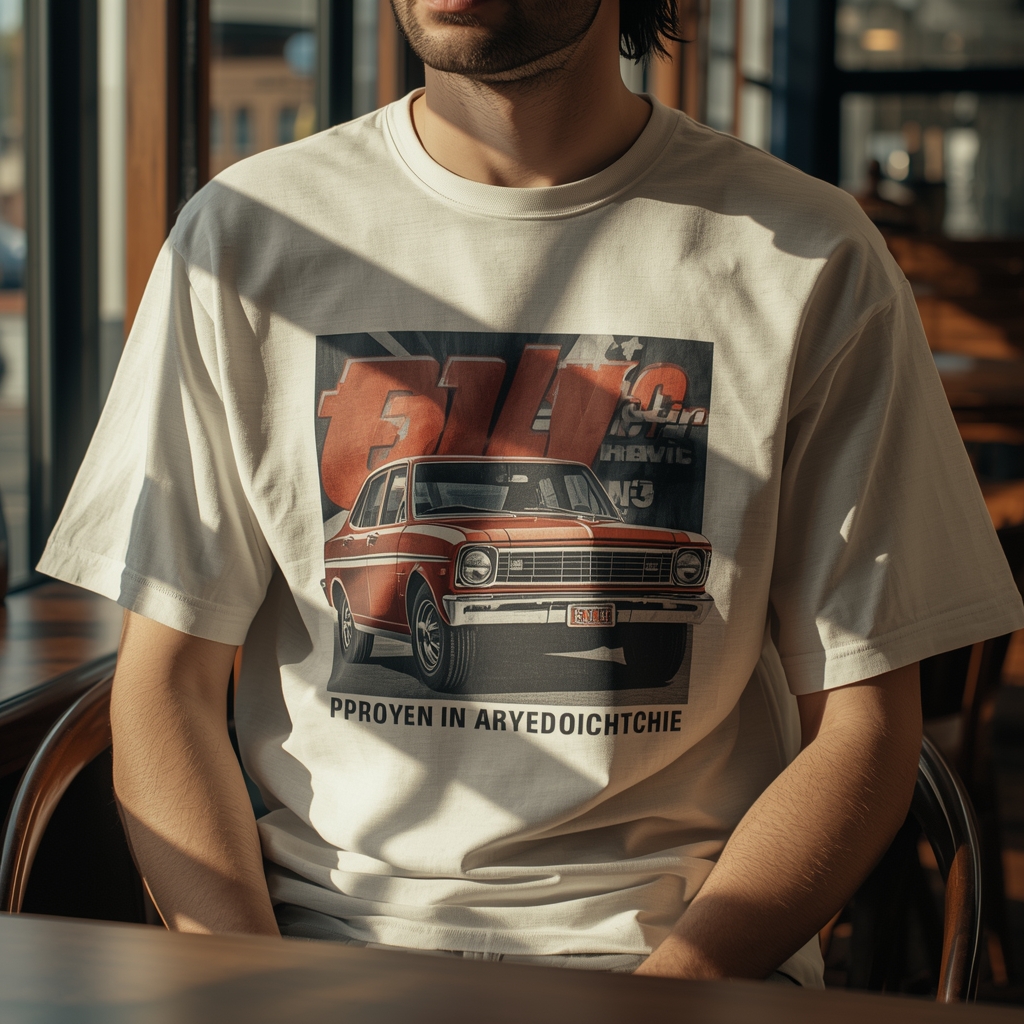
This is where specialized AI image tools and models like Sora 2 come into play. We are no longer limited to static Photoshop templates. Using specialized AI mockup generators, you can take your transparent PNG design and seamlessly warp it onto a model in a photorealistic setting—complete with accurate shadows, lighting, and fabric folds.
But the real game-changer this year is video. Etsy prioritizes listings with videos, and Sora 2 has revolutionized how we create them. By feeding the AI your static product design and a specific prompt, you can generate 5- to 10-second cinematic, photorealistic lifestyle clips of a model wearing your apparel or sipping from your mug in a bustling coffee shop. It builds immediate trust and makes your digital shop feel like a premium, physical boutique.
The 2026 Workflow: Your Step-by-Step AI Print on Demand Guide 2026
To scale effectively, you need a factory-like workflow. Here is the exact step-by-step system I use to take a concept from a mere idea to a live Etsy listing in record time:
Step 1: Trend Identification & Ideation
I use tools like Everbee or eRank to find high-search, low-competition niches. I don’t guess what people want; I look at the data.
Step 2: Prompting & Generation (Midjourney)
I craft detailed Midjourney prompts using aspect ratio parameters (–ar) that fit my intended product (e.g., –ar 2:3 for posters). I generate variations until the composition is flawless.
Step 3: Post-Processing & Typography
I upscale the image, remove the background, and pull it into Adobe Illustrator or Canva. Never rely on AI for typography. I manually add trending fonts and layout elements to give the design a premium, commercial feel.
Step 4: Creating Dynamic Mockups
I generate hyper-realistic static lifestyle photos using AI mockup tools, and run my design through Sora 2 to create an engaging listing video.
Step 5: Optimized Listing creation
I write titles, tags, and descriptions. In 2026, optimizing for traditional search isn’t enough; you must also optimize for AI-driven search experiences. (Want to dive deeper into this shift? Check out our comprehensive guide on SEO vs GEO here). Finally, I publish the listing via my POD partner integration.
The Secret Weapon: The ‘Human-in-the-Loop’ Approach
I need to address the elephant in the room: AI spam. Marketplaces are currently flooded with millions of poorly generated, unedited AI designs. Some sellers generate thousands of images a day via API and auto-publish them to Etsy.
They are playing a losing game.
The only way to beat the sea of low-quality AI spam is by adopting a “Human-in-the-Loop” philosophy. AI is your assistant, not your replacement. The algorithm favors listings that convert, and human beings only buy art that evokes emotion, looks professional, and features impeccable design logic.
Your human eye is required to fix the weird six-fingered hands, correct the bizarre color grading, balance the composition, and add the perfect, witty typography that resonates with your niche. Curation is your superpower. By spending an extra 15 minutes refining, editing, and elevating an AI generation, you instantly place your product in the top 1% of the marketplace.
Furthermore, maintaining a hands-on approach ensures you are staying on the right side of platform policies and copyright laws. (For a deeper understanding of navigating these complexities, read our article on AI Ethics and building a responsible digital art business).
Your Turn to Scale
Scaling an Etsy POD shop in 2026 is no longer about grinding yourself to the bone drawing hundreds of designs by hand, nor is it about lazily spamming the platform with raw, unedited AI generations. It is about working intelligently. It is about combining the limitless creative horsepower of artificial intelligence with the discerning, emotional, and strategic eye of a human entrepreneur.
The tools are at your fingertips. The demand for unique, high-quality products is endless. Master your technical prep, embrace dynamic video mockups, and always keep your human touch in the loop.
Now, fire up your generative tools, trust your creative instincts, and go build your empire. The marketplace is waiting.