
The attention economy in 2026 is driven entirely by short-form vertical content. However, manually scripting, rendering, and editing Shorts or Reels every day is a massive operational bottleneck. To scale your digital brand, you must learn how to automate AI video production using a streamlined, multi-tool pipeline.
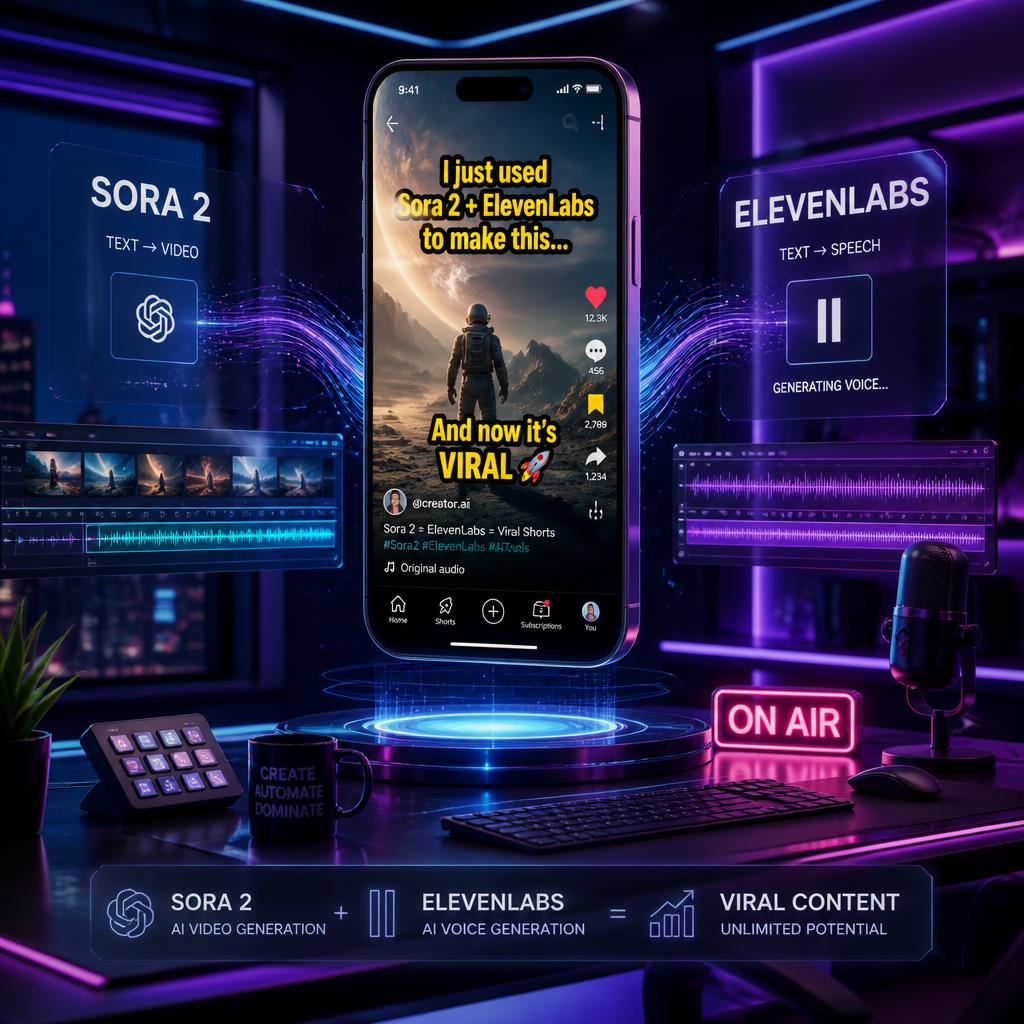
By combining advanced text-to-video models like Sora 2, AI voice synthesizers like ElevenLabs, and cloud editing suites, you can engineer a continuous content loop. Here is the step-by-step master tutorial to launch a 30-second automated video series—such as a “3 Golden Rules for a Positive Daily Start” campaign—with zero creative friction.
The One-Person Hollywood Studio: How to Create Viral AI Micro-Dramas 2026
How to Automate AI Video Production Step 1: Script Architecture and Layout
Before launching any AI tool, your video requires a high-retention structural blueprint. A viral 30-second short cannot afford pacing latency. Your automated script framework must follow a strict timeline matrix:
- 0:00 – 0:03 (The Hook): An aggressive visual and psychological pattern interrupt (e.g., “Stop ruining your mornings within the first 5 minutes”).
- 0:03 – 0:25 (The Value Core): Three rapidly paced, highly actionable rules delivered with minimal fluff.
- 0:25 – 0:30 (The Retentive CTA): A high-converting call to action that loops the video or drives traffic to your storefront.
To automate this, prompt your preferred LLM to output a binary 6-scene storyboard table, separating visual directives from voiceover text to ensure clean pipeline data formatting.
The Ultimate Guide: Automating Faceless YouTube Channels 2026
When I first started creating vertical shorts, I spent hours trying to perfect a single script. What I realized is that social media algorithms value consistency over isolated perfection. Once you lock your scripts into a rigid 30-second data framework, transitioning that data between AI tools becomes seamless, and production feels like an automated conveyor belt rather than a creative chore.
How to Automate AI Video Production Step 2: Generating Cinematic Prompts for Sora 2
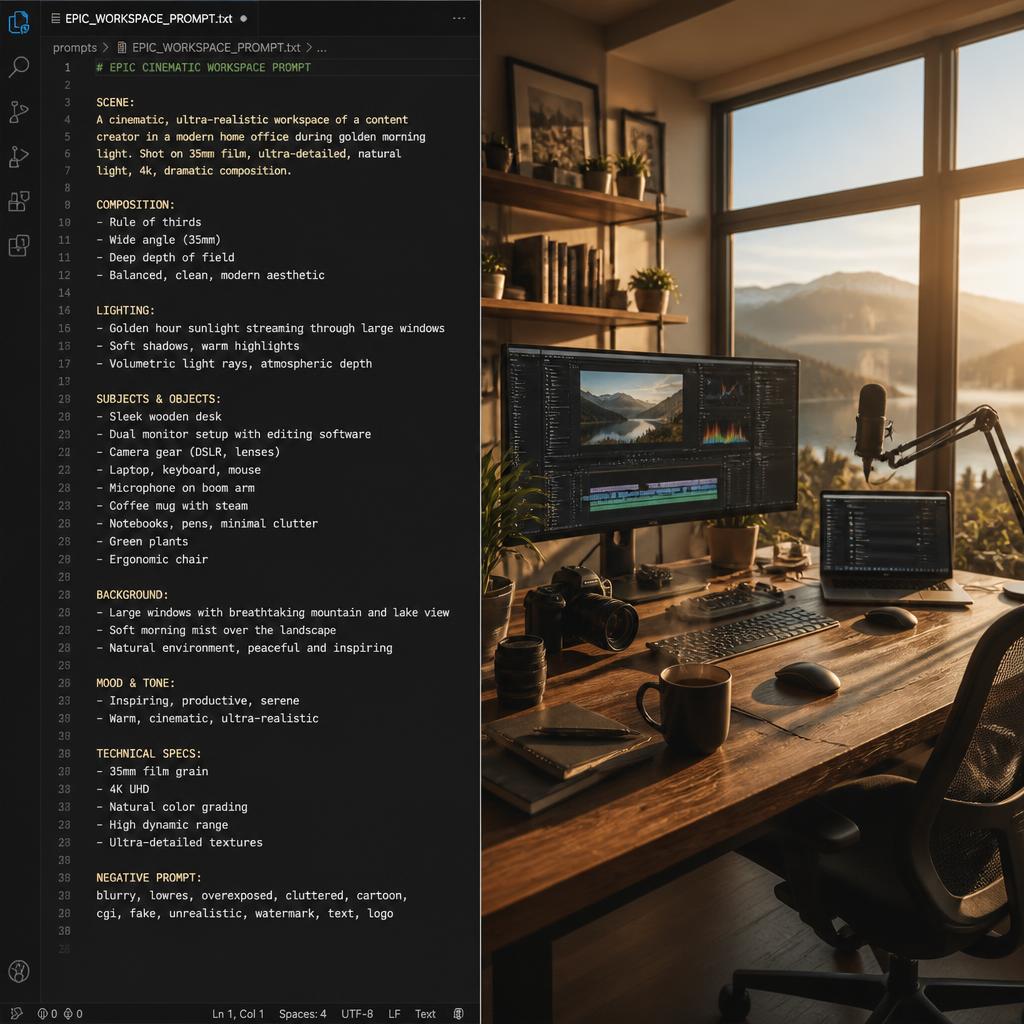
Engineering cinematic environmental cues within text-to-video prompt workflows.
Generic video generators create unnatural, low-fidelity clips. To match professional studio quality, you must leverage Sora 2’s native camera mechanics. For a daily motivation or productivity series, your cinematic prompts must incorporate realistic lighting and high-end 35mm film grain textures.
Production Master Prompt for Sora 2 (Scene 1 – Morning Routine):
“Cinematic macro shot of premium coffee pouring into a glass mug, beautiful sun flare slicing through a modern minimalist kitchen, morning atmosphere, realistic 35mm film grain texture, Kodak Portra style, soft volumetric shadows, native high-fidelity audio integration, 4k resolution, aspect ratio 9:16”
Generate 6 distinct, thematic scenes using this hyper-detailed prompt architecture to ensure visual consistency across your entire 30-second timeline.
How to Build a $5,000/Month Faceless YouTube Channel with Ai Sora 2 and ElevenLabs
How to Automate AI Video Production Step 3: Audio Cloning and Pacing via ElevenLabs
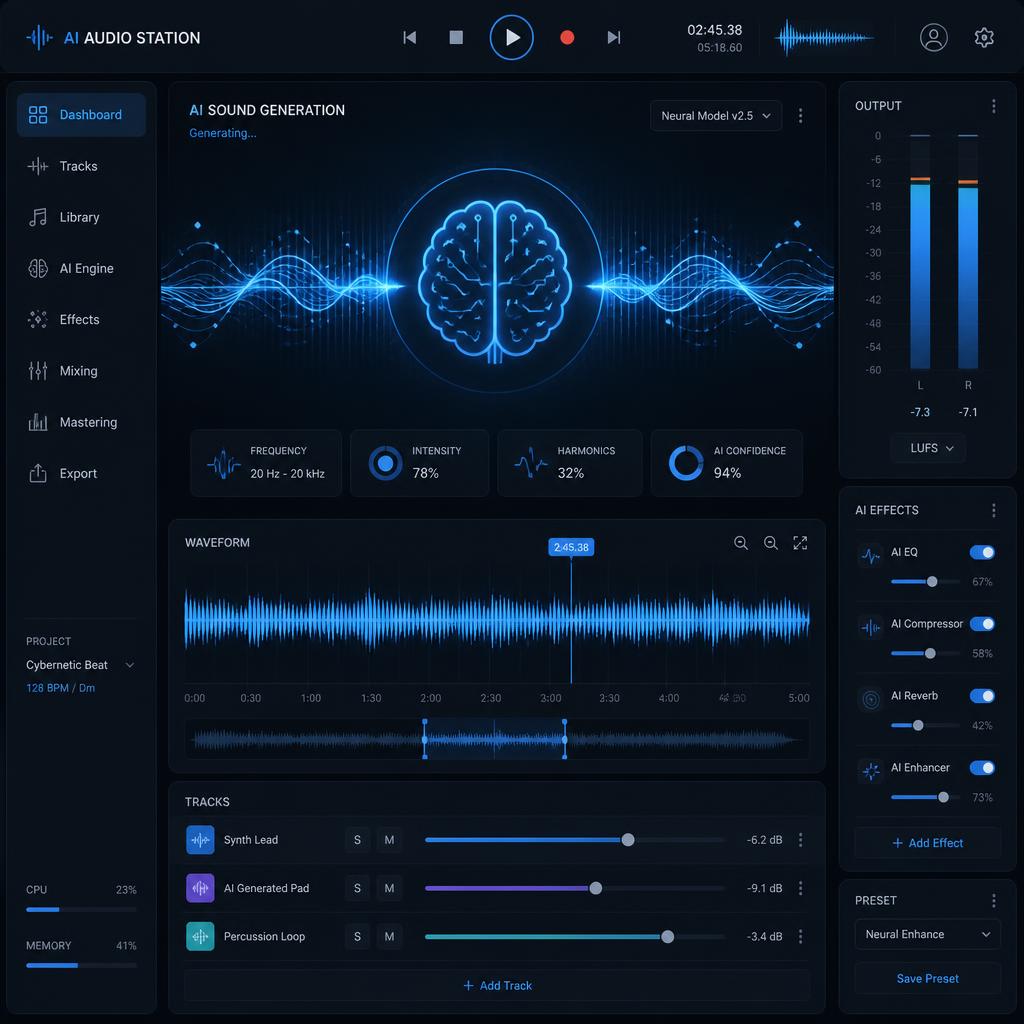
Optimizing audio stability and clarity matrices to maximize viewer retention.
A viral video requires a humanized voice that commands authority and triggers high dwell-time retention. Avoid robotic, stock AI voices.
- Voice Selection: Utilize ElevenLabs’ Voice Design feature to create or clone a deep, resonant narrative voice with high clarity metrics.
- Granular Parameter Control: Calibrate the Stability slider to 45% and the Clarity/Similarity enhancement to 85%. This adds natural emotional inflections and prevents rhythmic monotony.
- Audio Export: Download the generated script as a high-bitrate MP3 or WAV file, matching the total duration precisely to your 30-second target ceiling.
In my early automation runs, I used default AI voices, and my retention metrics plummeted because the pacing sounded like a cold, robotic text-to-speech reader. The real breakthrough happened when I calibrated the Stability to 45% in ElevenLabs. That tiny tweak introduces subtle human-like breathing and micro-pauses that keep users hooked past the critical 5-second mark.
How to Automate AI Video Production Step 4: System Overhaul and CapCut Timeline Assembly
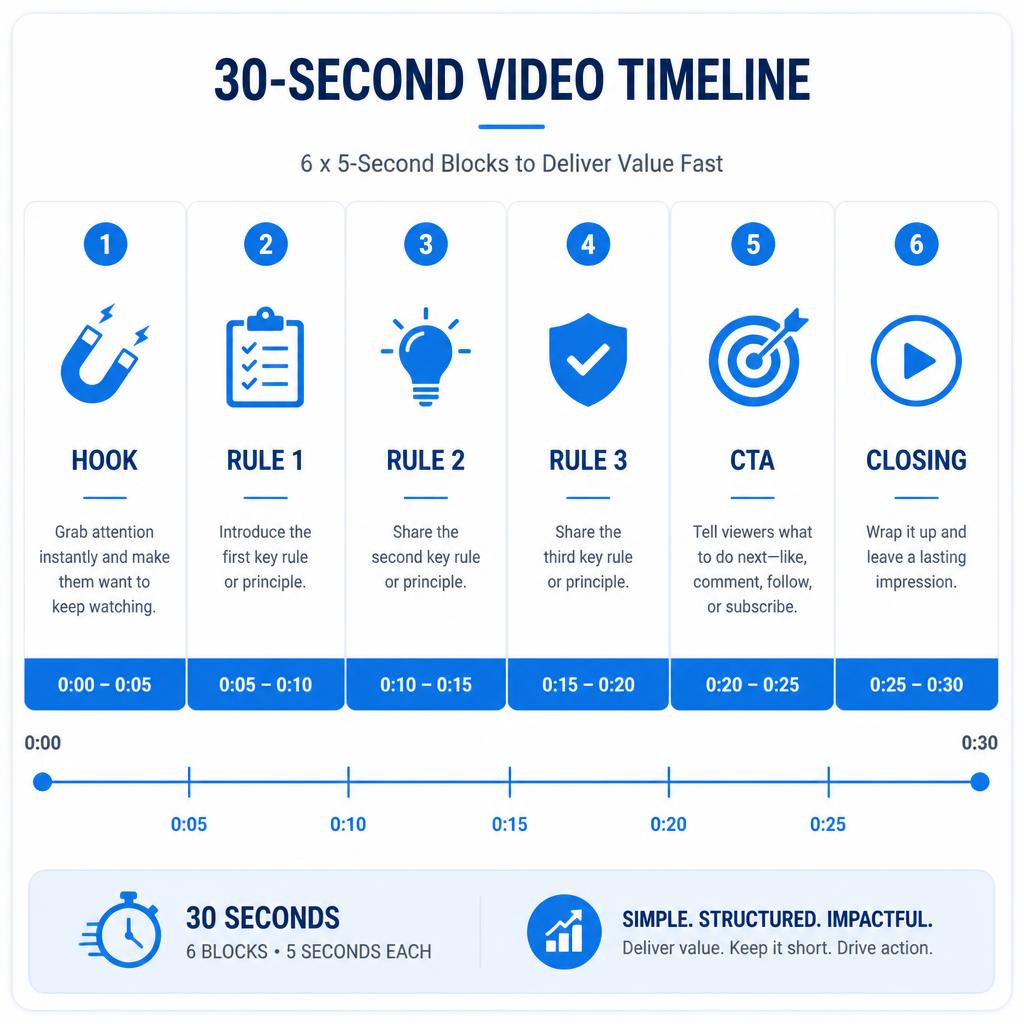
Timeline architecture for a high-retention 30-second automated short video
The final phase involves aggregating your sensory assets into a high-retention vertical wrapper using CapCut or automated timeline editors.
- Timeline Syncing: Import your 6 Sora 2 video clips and align them perfectly with the audio spikes from ElevenLabs. Each scene should have an operational duration of exactly 5 seconds.
- Text Artifact Cleanup: Execute a thorough timeline audit to erase background noise anomalies or visual AI slop.
- Dynamic Captioning: Utilize CapCut’s Auto-Captions feature. Format the text overlay using high-contrast typography (e.g., bold yellow text on a dark outline) placed dead-center to maximize readability on mobile screens.
Technical Stack: Tools for AI Video Automation
| Production Layer | Tool Selection (2026 Standard) | Key Optimization Parameter |
| Video Generation | Sora 2 (Google) | Cinematic Prompts & 9:16 Aspect Ratio |
| Voice Synthesis | ElevenLabs | Stability & Clarity Calibration Slider |
| Editing & Captions | CapCut / Cloud Automation | Text Artifact Cleanup & Auto-Captions |