
The digital product marketplace is currently saturated with generic, low-quality AI outputs. To build a sustainable storefront, creators must move beyond basic prompting. Mastering professional AI image generation for Etsy requires a deep understanding of commercial aesthetics, prompting physics, and technical upscaling workflows.
Whether you are targeting the trendy nursery wall art niche or customizable greeting cards, your assets must meet strict commercial printing standards. Here is the engineering blueprint to transform raw AI outputs into high-ticket digital assets.
How to Automate Your Etsy SEO 2026: The No-Code Blueprint
Decoding 2026 Commercial Aesthetics: 4D Pixar vs. Watercolor Bleeds
Success in the digital art market relies on triggering instant emotional resonance. Two distinct design aesthetics are currently dominating the print-on-demand and digital download sectors:
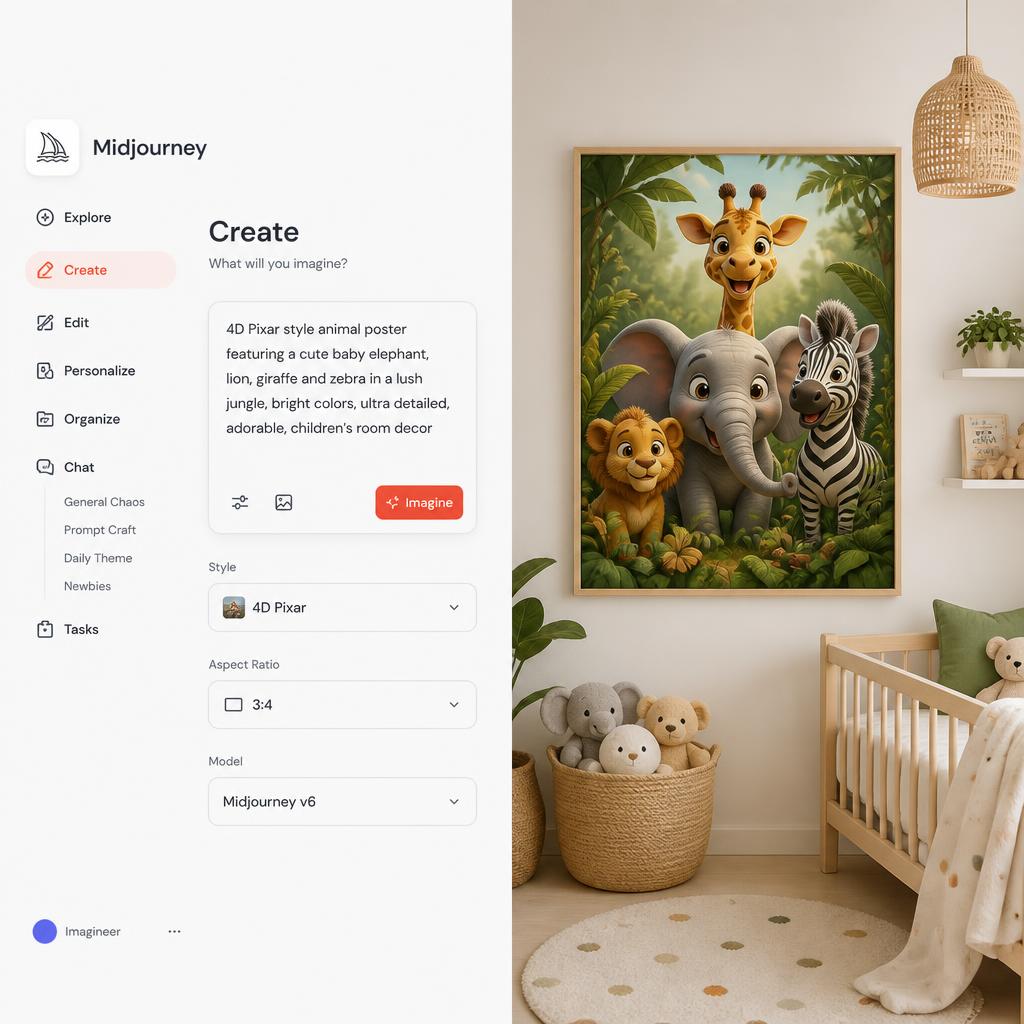
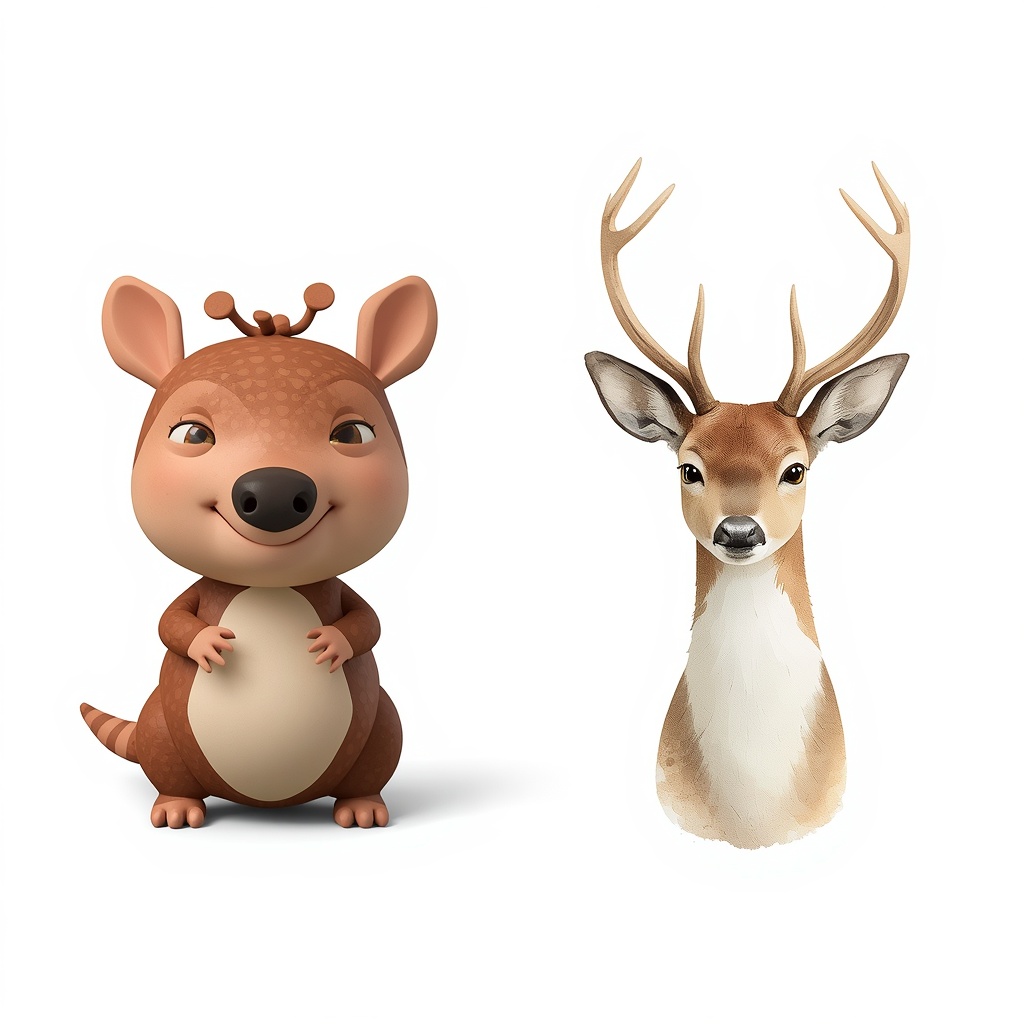
- The 4D Pixar/Render Style: Characterized by hyper-detailed subsurface scattering, volumetric soft lighting, and clay-like textures. This style is highly lucrative for children’s bedroom decor and educational printables.
- The Scandinavian Watercolor Style: Emphasizing soft pastel color palettes, organic paint bleeds, and heavy paper textures. This minimalist approach caters to the modern farmhouse and Scandinavian home decor demographic.
By narrowing your focus to these high-demand vectors, you ensure your store aligns with actual consumer purchasing intent rather than arbitrary creative concepts.
AI Image Generation for Etsy: Advanced Prompt Engineering
To achieve professional-grade results, you must avoid generic prompts like “cute bunny.” Google’s helpful content system looks for unique methodologies, and your prompt architecture should reflect that. Below are two production-ready master prompts optimized for Midjourney v6.1:
Master Prompt 1: 4D Pixar Nursery Character
“A 3D stylized cute baby armadillo character, 4D Pixar style, soft volumetric clay texture, subsurface scattering on skin, warm cinematic lighting, neutral studio background, high-end nursery wall art asset, 8k resolution, aspect ratio 4:5 –v 6.1 –style raw”
Master Prompt 2: Scandinavian Minimalist Watercolor
“Minimalist watercolor illustration of a woodland deer, soft pastel color palette, detailed watercolor paper texture and bleed edges, Scandinavian farmhouse decor style, clean isolated white background, printable wall art graphic, high resolution –ar 3:4 –v 6.1”
Post-Generation Protocol: Preparing AI Art for Print-On-Demand
A common failure point for amateur sellers is uploading raw AI files. To satisfy consumer expectations and algorithm quality scores, you must execute a strict post-processing routine:
- Artifact and Text Removal: AI models often introduce random noise or gibberish text layers. Utilize advanced canvas tools to completely erase background imperfections and text fragments, leaving a pristine graphic zone.
- Aspect Ratio and Blank Spaces: For customizable templates (e.g., personalized family wall art), intentionally reduce graphic elements to design explicit blank spaces. This allows customers to seamlessly add names or custom text later in Canva.
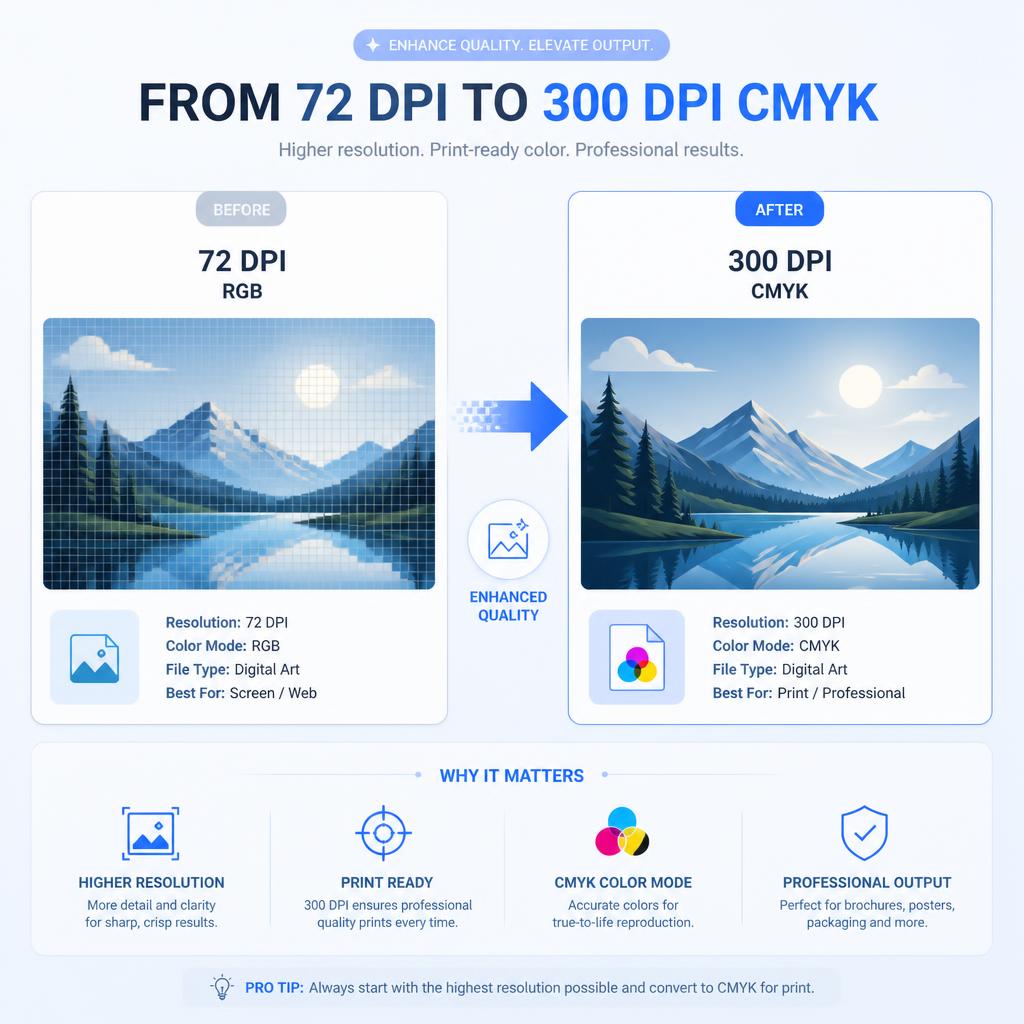
- The 300 DPI Threshold: Raw AI images typically generate at 72 DPI (screen resolution). You must run the files through a neural network upscaler to hit 300 DPI minimum, converting the color profile to CMYK to guarantee accurate physical print layouts.
Technical Comparison: Top Tools for AI Image Generation for Etsy
| AI Engine / Tool | Best Suited Niche | Commercial Licensing | Native Resolution Control |
| Midjourney v6.1 | Complex 4D & Textures | Included (Paid Tiers) | Aspect Ratio Flags Only |
| DALL-E 3 | Flat Vectors & UI Elements | Included | Fixed Square/Vertical |
| Canva AI Suite | Rapid Template Mockups | Commercial Safe | Variable Layouts |
Pre-Deployment Checklist: AI Asset Quality Control
Before publishing your new collection, audit each digital file against this strict parameters matrix:
- Resolution Verification: Ensure the file exports as an A4 printable PDF or high-end JPEG at 300 DPI.
- Background Isolation: Verify that the background is completely removed or perfectly flat for t-shirt or product application.
- Keyword Alignment: Ensure your listing backend tags precisely match the stylistic keywords used (e.g.,
4D Pixar Art,Nursery Printable).