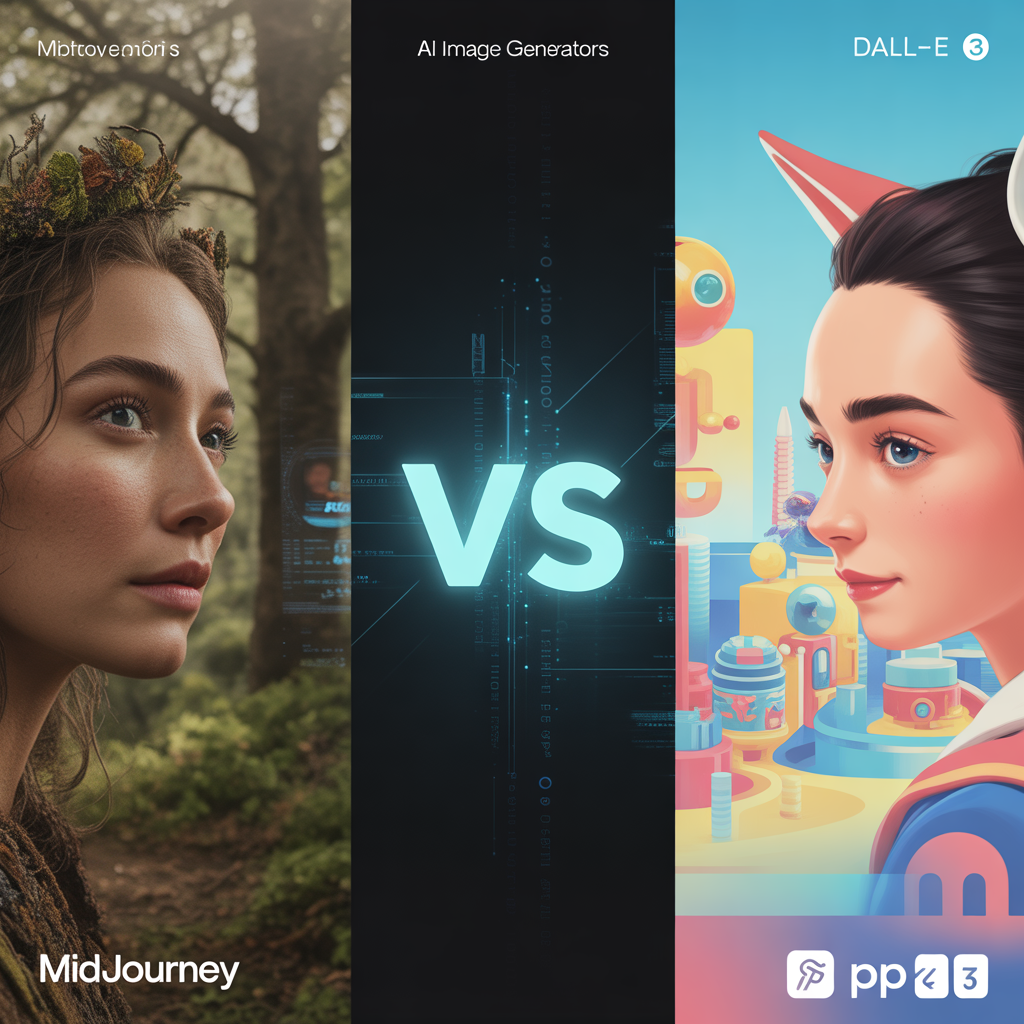

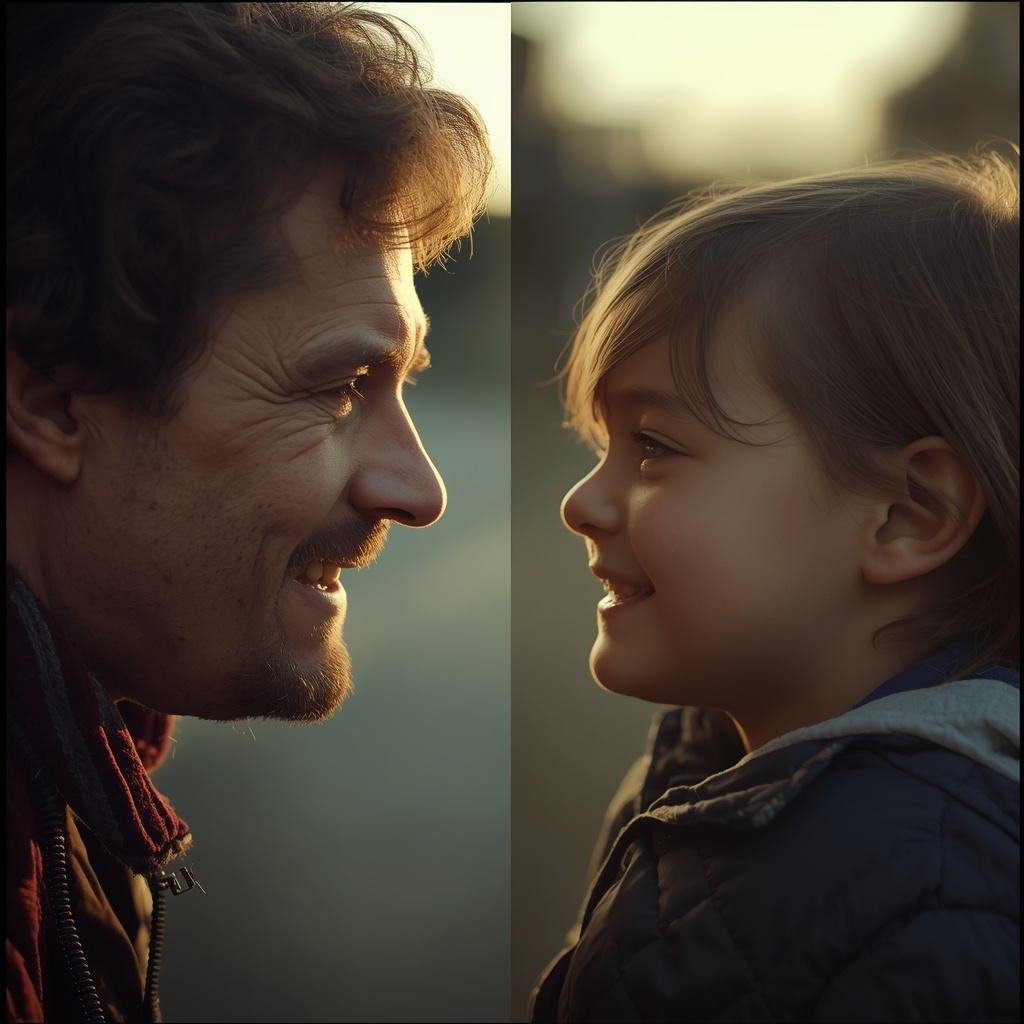
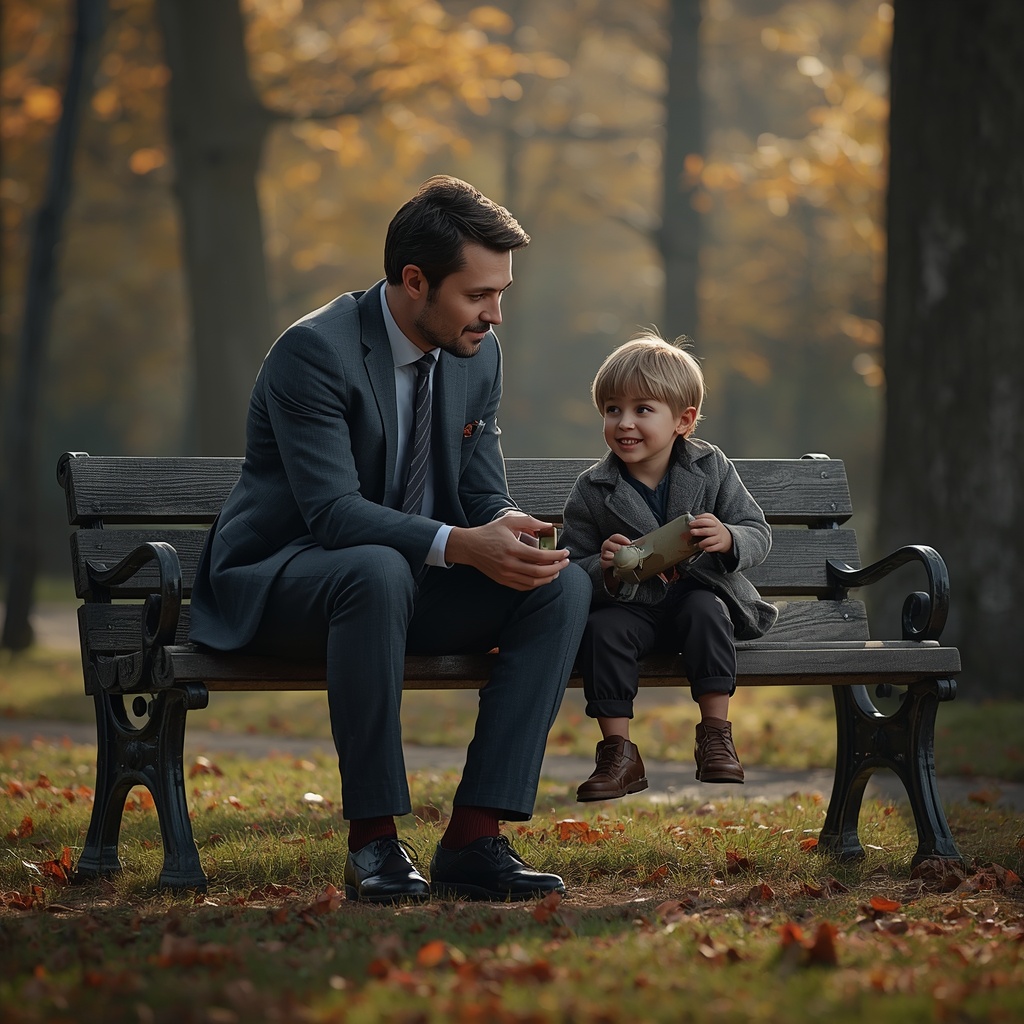
If you’ve scrolled through TikTok or Instagram in the last few weeks, you’ve undoubtedly paused, and perhaps even teared up, at the videos. You know the ones: an adult sitting on a park bench, looking down with a gentle smile as their 5-year-old self hands them a balloon. Or a split-mirror reflection where a weathered adult face stares back at the wide, innocent eyes of their youth.
Welcome to the Viral AI Childhood Photo Trend 2026.
As a digital content strategist, I analyze trends for a living. I can tell you right now that this isn’t just another fleeting meme or a goofy face-swap filter. It is the most emotional, deeply resonant technological movement of the year. Why? Because it transcends novelty and taps into “digital inner-child healing.” We are using cutting-edge neural networks not just to create art, but to visually reconnect with our past selves.
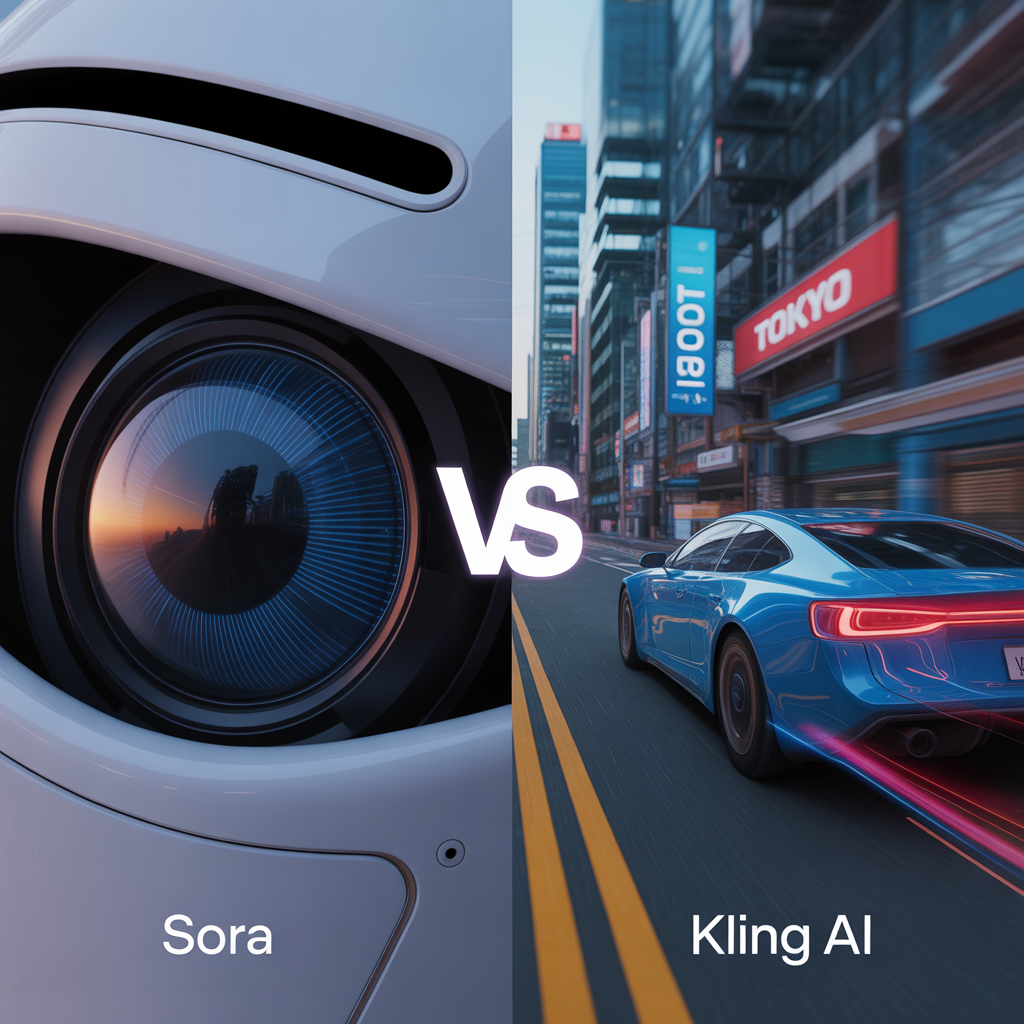
If you want to create your own cinematic, tear-jerking masterpiece, you need the right tools. Today, I’m going to break down how to achieve this using the three major AI heavyweights, complete with copy-paste prompts and a technical quality analysis.
The Technical Showdown: Who Renders Memory Best?
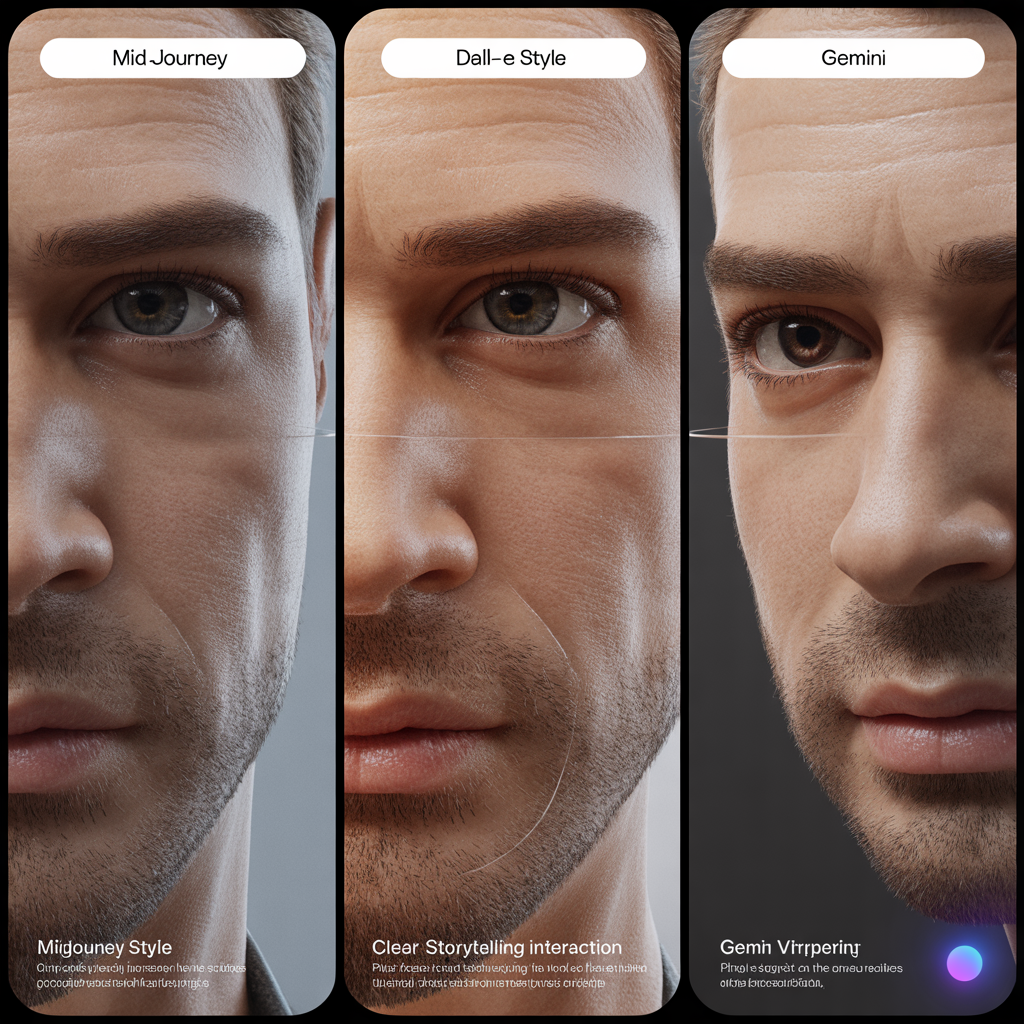
Before we generate, we need to understand how these models process nostalgia. Generating two people in an image is easy; generating the same person at two different ages with matching bone structure and emotional weight is a technical marvel.
- Midjourney v7 (The Cinematic Master): Midjourney is the undisputed king of photorealism and texture. If you want that nostalgic, 35mm Kodak Portra film grain, Midjourney v7 handles it flawlessly. It excels at “subsurface scattering”—the technical term for how light penetrates and reflects off human skin. The adult’s skin will show subtle, realistic weathering, while the child’s skin retains that soft, translucent glow.
- ChatGPT (DALL-E 4) (The Storyteller): DALL-E 4 struggles slightly with raw, gritty photorealism (often leaning toward a polished, commercial look), but it is unparalleled in compositional understanding. If you need the adult and child interacting flawlessly—holding hands, tying a shoelace, or sitting on the same piano bench without limbs morphing into each other—DALL-E 4 is the safest bet.
- Google Gemini (The Lighting Guru): Gemini has quietly become a powerhouse for “smartphone realism.” It perfectly mimics the lighting of an everyday iPhone photo. While it lacks the cinematic moodiness of Midjourney, it produces incredibly accurate environmental lighting, making the image feel like a genuine, discovered memory rather than a Hollywood movie poster.
The “Copy-Paste” Prompt Goldmine
Ready to create your own? Below are the exact prompts engineered for the 2026 versions of these models.
Note: For the best results, use these prompts in conjunction with the image upload/reference features of each platform (uploading one photo of your current self, and one of your childhood self).
1. Midjourney v7 Prompt (For Cinematic Nostalgia)
Use the –cref (character reference) parameter by pasting the URLs of your adult and child photos at the end of the prompt.
/imagine prompt: A deeply emotional, cinematic split-screen portrait. On the left, a 30-year-old [man/woman] looking softly toward the right, detailed skin texture, natural soft lighting. On the right, a 5-year-old version of the same person looking up with innocent eyes. Shot on 35mm film, Kodak Portra 400, heavy nostalgic film grain, halcyon lighting, golden hour glow, depth of field, hyper-realistic, 8k, photorealistic. –ar 16:9 –style raw –v 7
2. ChatGPT / DALL-E 4 Prompt (For Interactive Emotion)
Upload your two photos into the ChatGPT interface and paste this text.
Prompt: Analyze the facial features of the adult and the child in the uploaded photos. Create a highly realistic, touching photograph of these two sitting together on a worn wooden bench in a sunlit park. The adult is gently placing their hand on the child’s shoulder, smiling down at them with pride and warmth. The child is looking up at the adult with wonder. Use natural, soft natural lighting. Ensure the anatomy and hands are flawless, and keep the style photorealistic and highly detailed.
3. Google Gemini Prompt (For Everyday Realism)
Upload your photos directly into the Gemini prompt bar.
Prompt: Using the faces from the uploaded images, generate a photorealistic image that looks like it was taken on a modern smartphone. An adult and their 5-year-old childhood self are standing side-by-side in a cozy, dimly lit living room. They are both looking into a mirror together. The lighting should feature warm indoor lamps casting realistic shadows. Maintain accurate bone structure between the adult and child to clearly show they are the same person. Focus on sharp, realistic eye reflections.
Step-by-Step Guide: How to Create Your Own
Don’t let the AI jargon intimidate you. Here is how you can execute the Viral AI Childhood Photo Trend 2026 right now, using your own photos:
- Curate Your Source Material: Dig up a clear, front-facing photo of yourself from childhood (ages 4-7 work best for maximum emotional contrast). Next, take a clear, well-lit, makeup-free selfie of your current face. Ensure both photos have relatively even lighting.
- Choose Your Engine: If you want an artistic, moody vibe, use Midjourney. If you want a quick, beautiful interaction, open ChatGPT.
- Upload and Prompt: In Midjourney, upload the images to Discord, copy their links, and use them as –cref (Character Reference) tags. In ChatGPT/Gemini, simply use the paperclip icon to upload the images to the chat window, then paste the corresponding prompt above.
- Iterate and Refine: AI is a slot machine. The first generation might give you a wonky eye or a weird hand. Don’t give up. Hit “regenerate,” or ask the AI to “soften the lighting” or “make the adult look more nostalgic.”
- Add the Finishing Touches: For the ultimate viral TikTok or Reel, pull your generated image into an editing app like CapCut. Add a slow zoom effect (the ‘Ken Burns’ effect), layer on a dusty vintage film overlay, and add a trending, emotional indie-folk song.
How to Build a $5,000/Month Faceless YouTube Channel with Ai Sora 2 and ElevenLabs
2026 AI Model Scorecard
To help you decide which tool fits your skill level and artistic vision, here is my strategic scorecard:
| AI Model | Emotional Accuracy | Ease of Use | Photorealism | Best Feature |
| Midjourney v7 | ⭐⭐⭐⭐⭐ | ⭐⭐⭐ | ⭐⭐⭐⭐⭐ | Unmatched skin texture & film grain |
| ChatGPT (DALL-E 4) | ⭐⭐⭐⭐ | ⭐⭐⭐⭐⭐ | ⭐⭐⭐⭐ | Flawless dual-character interaction |
| Google Gemini | ⭐⭐⭐⭐ | ⭐⭐⭐⭐⭐ | ⭐⭐⭐ | Realistic, everyday smartphone lighting |
If you want to use these emotional visuals to grow your social media presence, don’t miss our guide on automating faceless YouTube channels 2026
The Final Frame
The beauty of the viral AI childhood photo trend 2026 isn’t the technology itself; it’s the human emotion the technology unlocks. Seeing your current self comforting, protecting, or simply acknowledging the child you used to be is a profoundly moving experience.
Gather your old photo albums, boot up your favorite AI engine, and prepare to meet an old friend. Happy creating.
Stay ahead of the Viral AI Childhood Photo Trend 2026 by experimenting with these prompts today!
Frequently Asked Questions (FAQ)
What app is everyone using for the viral AI childhood photo trend?
Unlike a standard Snapchat or TikTok filter, there isn’t just one single “app” for this trend. Creators are using advanced generative AI tools. The most realistic, cinematic results are created using Midjourney v7, while ChatGPT (DALL-E 4) and Google Gemini are popular for creating flawless, interactive scenes between the adult and child.
Is the AI childhood photo trend free to do?
It depends on the tool you choose. Google Gemini offers basic image generation for free. However, for the highest quality results, Midjourney requires a paid monthly subscription (starting at $10), and ChatGPT requires the ChatGPT Plus subscription to access DALL-E 4 image generation.
Why do the faces in my AI childhood portrait look distorted or morphed?
If your AI generation has distorted faces or extra fingers, it is usually because the source photos you uploaded were blurry, low-lighting, or angled. For the best results, use clear, front-facing, well-lit photos for both your adult self and your childhood self. Don’t be afraid to hit the “regenerate” button a few times!