
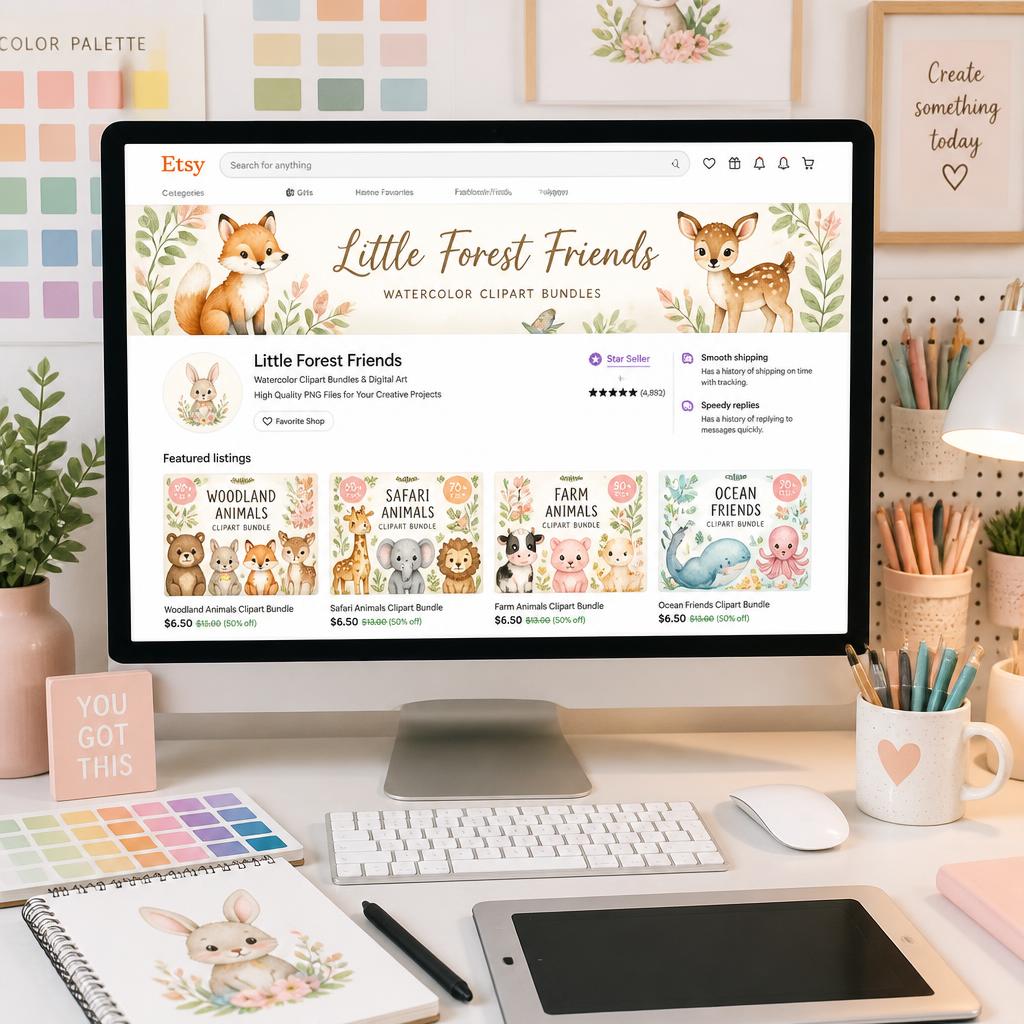
In this comprehensive guide, you will discover exactly how to create digital clipart with AI using Midjourney to build high-converting asset bundles that attract commercial buyers. The digital asset market on platforms like Etsy is booming, but to stand out, your graphic assets must be mathematically clean, visually cohesive, and easy for end-users to edit.
A Quick Reality Check From My Journey:
“When I first tried creating holiday-themed clipart bundles, I fell into the ultimate beginner trap. I let Midjourney generate beautiful, overlapping illustrations on a single canvas, thinking I could easily cut them out later. It was a complete nightmare. The edges were messy, and the assets were unusable. The real breakthrough happened when I mastered isolation prompting and separation techniques. Once I switched to a clean grid workflow, my design production speed tripled, and my store finally started gaining traction.”
How to Create Digital Clipart with AI Step 1: Mastering Isolation Prompt Architecture
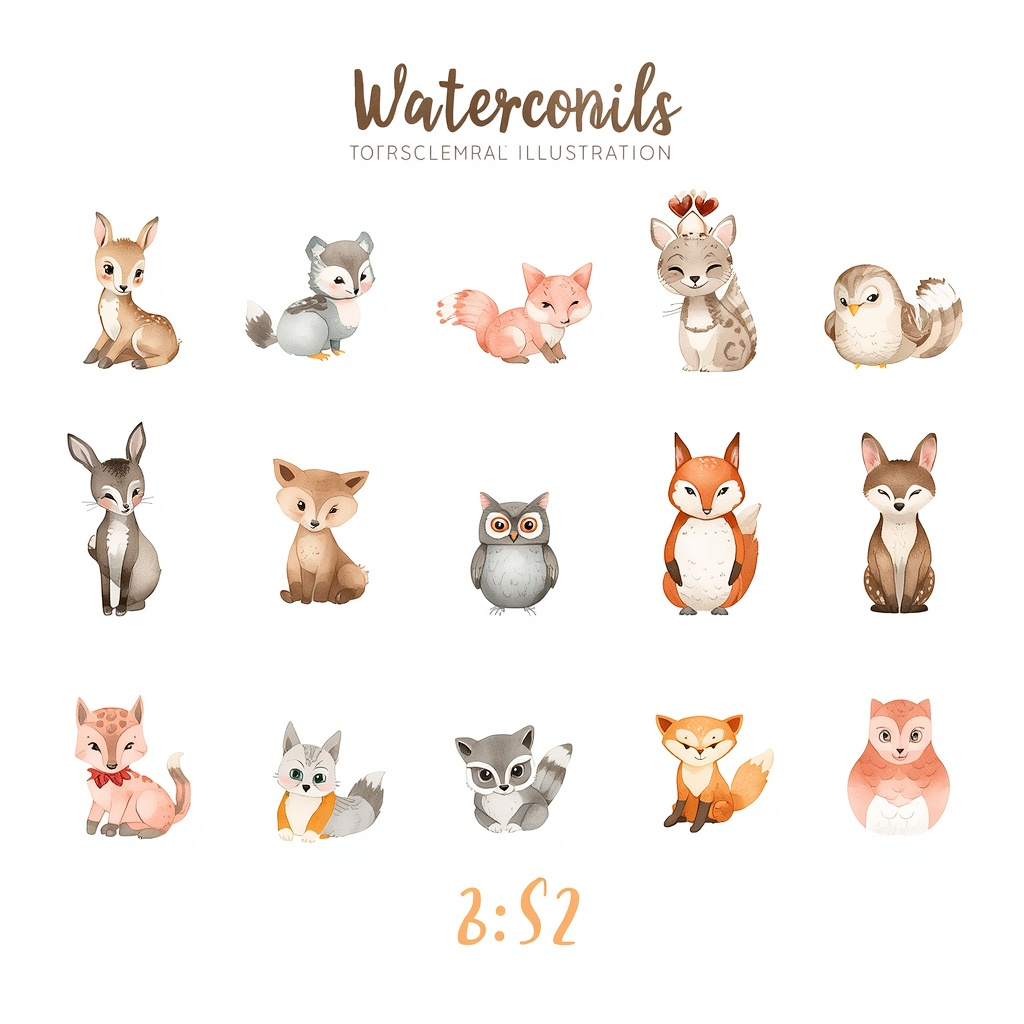
To engineer premium commercial clipart, you must force the AI model to render graphics on a solid, uniform background. If your background has gradients, textures, or complex shadows, automated background removal tools will destroy the fine details of your artwork (like delicate watercolor edges or fur textures).
Your prompt structure must explicitly mandate a flat, high-contrast backdrop:
Master Clipart Prompt: Watercolor Woodland Animals Bundle
“A curated collection of cute watercolor woodland animals clipart, featuring a baby deer, an owl, and a fox. Individual assets separated in a readable way, isolated on a solid flat white background, soft pastel color palette, detailed paper textures, no overlapping, commercial design vector style, 3:2 aspect ratio –v 6.1”
By using phrases like isolated on a solid flat white background and no overlapping, you guarantee that each graphic element remains completely distinct and ready for clean processing.
My Early Failures With Clipart Bundles: “When I first tried creating holiday-themed clipart bundles, I fell into the ultimate beginner trap. I let Midjourney generate beautiful, overlapping illustrations on a single canvas, thinking I could easily cut them out later. It was a complete nightmare. The edges were messy, the clipping paths were ruined, and the assets were basically unusable. The turning point for my Etsy shop was mastering grid separation. Now, I never launch a prompt without forcing the AI to keep assets separated in a readable way from the start.”
How to Create Digital Clipart with AI Step 2: Selecting High-Demand Design Vectors
Not all design aesthetics sell equally. To maximize your shop’s traffic, you must align your AI outputs with trending visual styles that buyers actively search for. Make sure to implement our comprehensive Etsy SEO 2026 Guide to ensure your newly created bundles rank on the very first page of search results. In the 2026 e-commerce landscape, two specific styles dominate the digital download charts:
- The 4D Pixar/Claymation Style: Highly popular for children’s birthday invitations, nursery wall art, and personalized family mugs. It requires soft volumetric lighting and cute, expressive character designs.
- The Minimalist Scandinavian Watercolor: The undisputed king of wedding stationery, elegant baby shower templates, and cozy lifestyle branding. It thrives on muted earth tones and rich, realistic paper textures. If you want to dive deeper into perfecting these specific artistic algorithms, check out our masterclass on AI Image Generation for Etsy where we break down advanced rendering prompts.
Focusing your bundles entirely on one cohesive aesthetic per listing helps you attract targeted target buyers who buy the entire set rather than single files.
What Actually Sells in My Store: “Here is a bit of real-world data from my own storefront: stop trying to sell generic vector cliparts. The market is completely oversaturated. Instead, target high-emotional niches like custom nursery decor or wedding stationery. I’ve found that high-end 4D Pixar style characters for kids’ birthday invitations and minimalist Scandinavian watercolors for bridal showers have the highest conversion rates. Buyers aren’t looking for basic icons; they want premium art styles that look like they took days to paint by hand.”
How to Create Digital Clipart with AI Step 3: Upgrading Files to the 300 DPI Threshold
Etsy customers will quickly request refunds if your digital files look pixelated when printed on physical merchandise like t-shirts, tote bags, or large posters. Midjourney outputs files at 72 DPI by default, which is perfect for screens but disastrous for print.
The Quality Control Rule (What I Learned the Hard Way):
“I used to think that just converting a PNG file to a PDF print format inside Canva was enough to make it print-ready. I was wrong. If the underlying pixels aren’t mathematically scaled up first, the print will look fuzzy. Now, I never list a bundle without running every single asset through a dedicated AI upscaler to break the 300 DPI threshold. Taking those extra two minutes to ensure hyper-sharp vector-like clarity is what earns you five-star reviews and star-seller badges.”
The Quality Control Rule (What Saved My Star Seller Badge): “I used to think that just converting a 72 DPI Midjourney PNG file into a ‘PDF Print’ format inside Canva was enough to make it print-ready for my customers. I learned the hard way after a flurry of bad reviews complaining about fuzzy, pixelated lines on physical t-shirts. If the underlying pixels aren’t mathematically rescaled first, Canva cannot save you. Now, I run every single clipart element through a dedicated AI upscaler before building the bundle folder. Taking those extra two minutes is what guarantees five-star reviews and keeps my store healthy.”
How to Create Digital Clipart with AI Step 4: Formatting Your Etsy Bundle ZIP Folder
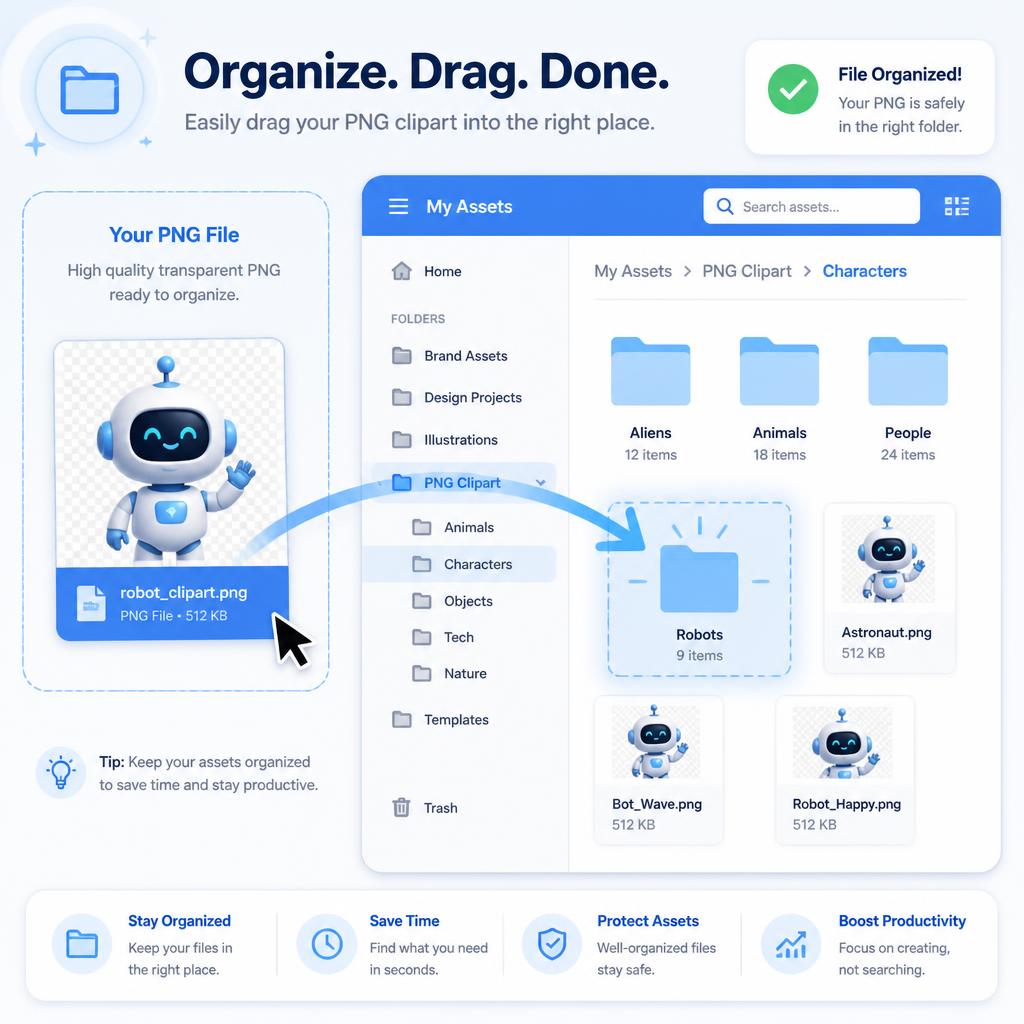
The final phase of the automation pipeline is asset organization. Buyers expect a seamless download experience. If they open a messy folder with confusing filenames, they won’t return to your store.
- Background Erasure: Run your isolated Midjourney images through a clean transparency tool to completely strip away the white canvas background.
- Organized Separation: Save each individual character or element as a separate, transparent PNG file.
- Clean Naming Conventions: Rename your files logically (e.g.,
watercolor_fox_clipart.png) instead of leaving the default AI random alphanumeric strings. - The ZIP Assembly: Compress all your transparent files into an organized ZIP folder, making sure the total file size fits within Etsy’s upload limits.
Technical Matrix: Clipart Production Standards
| Aesthetic Style | Best Midjourney Parameters | Target Product Uses | Core Asset Requirement |
| 4D Pixar Style | --ar 3:2 --v 6.1 | Kids Birthday Party, Mugs | High Volumetric Texture |
| Watercolor Art | --ar 3:2 --v 6.1 | Wedding Stationary, Planners | Clean Transparent Edges |